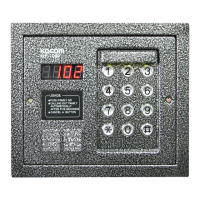
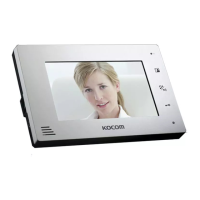
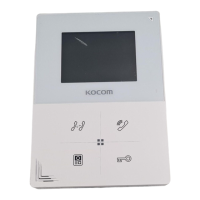
KC-D20 Surface-mounting Door Camera Installation
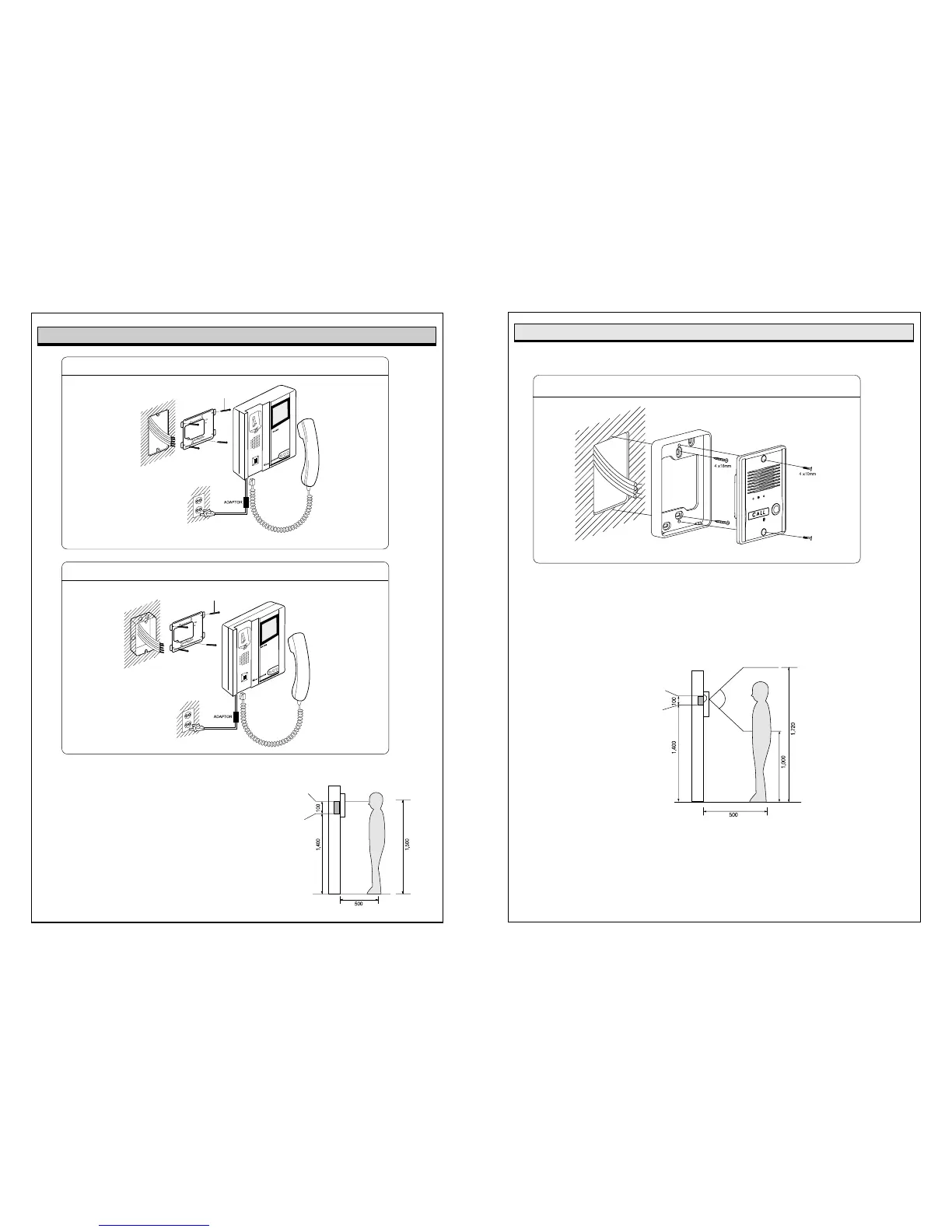
After attach the body supporter with 2 screws,
put the Door Camera into the grooves of body supporter,
and then fix it with 2 screws and stick the finishing materials.
Straight Ahead Installation
Standard Height of Door Camera
Standard height of the door camera is 1,400mm 1,450mm from the bottom of one camera
to the floor.
In case that the height of Door camera exceeds the range of min. 1,250mm1,550mm, it is
impossible to control the screen picture with only the lens angle,
and therefore, be careful of the height of camera installation.
(unit:mm)
Door camera Installation
Bottom base of
One hall Box
Surface mount
Flush mount
Basic Installation method of Monitor
When system is attached to 1 rectangular switch box
Standard height monitor
Wall hanger
panel for
fixing Monitor
Screw
Wall
Wall hanger panel
for fixing Monitor
1 Rectangular
switch box
Standard height of monitor is ranged 1,450 ~ 1,500
from bottom to the center of monitor screen.
For installation, avoid the places where there is any
excessive humidity,magnetic force, dangerous
chemicals, direct ray of sun, and any places near a
heater which can cause break down.
Monitor Installation
(unit:mm)
Screw
Bottom of
1 Rectangular
switch box
Center of monitor



 To Previous Page