3-10 KODAK DIGITAL SCIENCE DC210 Plus Zoom Camera User’s Guide
$ F WLYDWLQJWKH=RRP
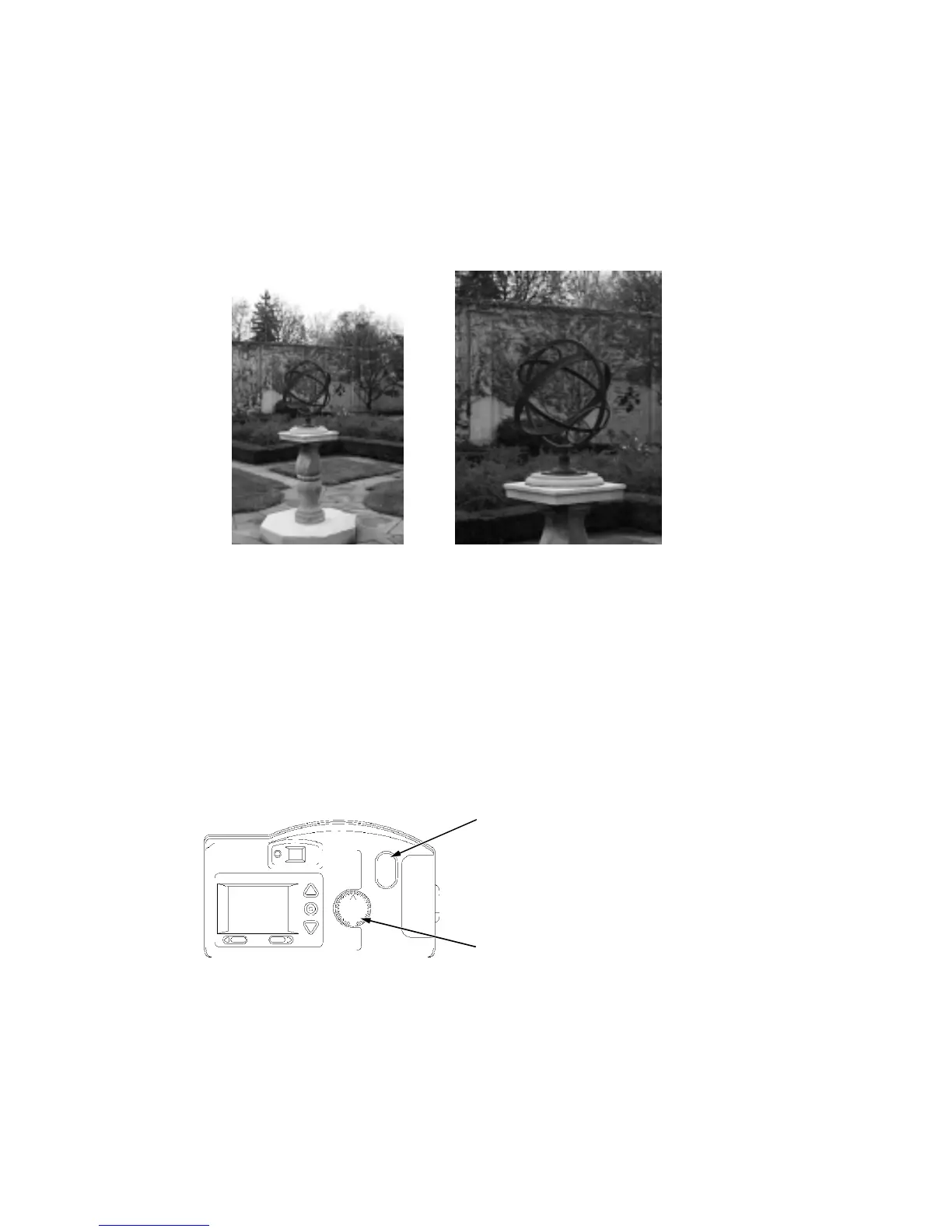
The camera includes a 2X zoom lens that allows you to zoom in on your subject from wide
angle (29 millimeters [mm]) to telephoto (58 mm).
To activate the zoom, perform the following steps:
1. Set the mode dial to Capture.
2. Turn on the camera.
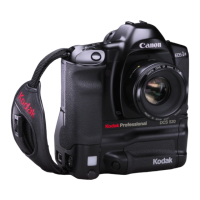
3. Press the zoom button.
The subject appears closer or farther away when you look through the viewfinder and
press the zoom button.
The camera’s default lens position is wide angle. All other lens positions are considered
telephoto settings.
telephotowide angle
zoom button
mode dial


 To Next Page