Reviewing Pictures 4-1
&+$37(5
5H YLHZLQJ3LFWXUHV
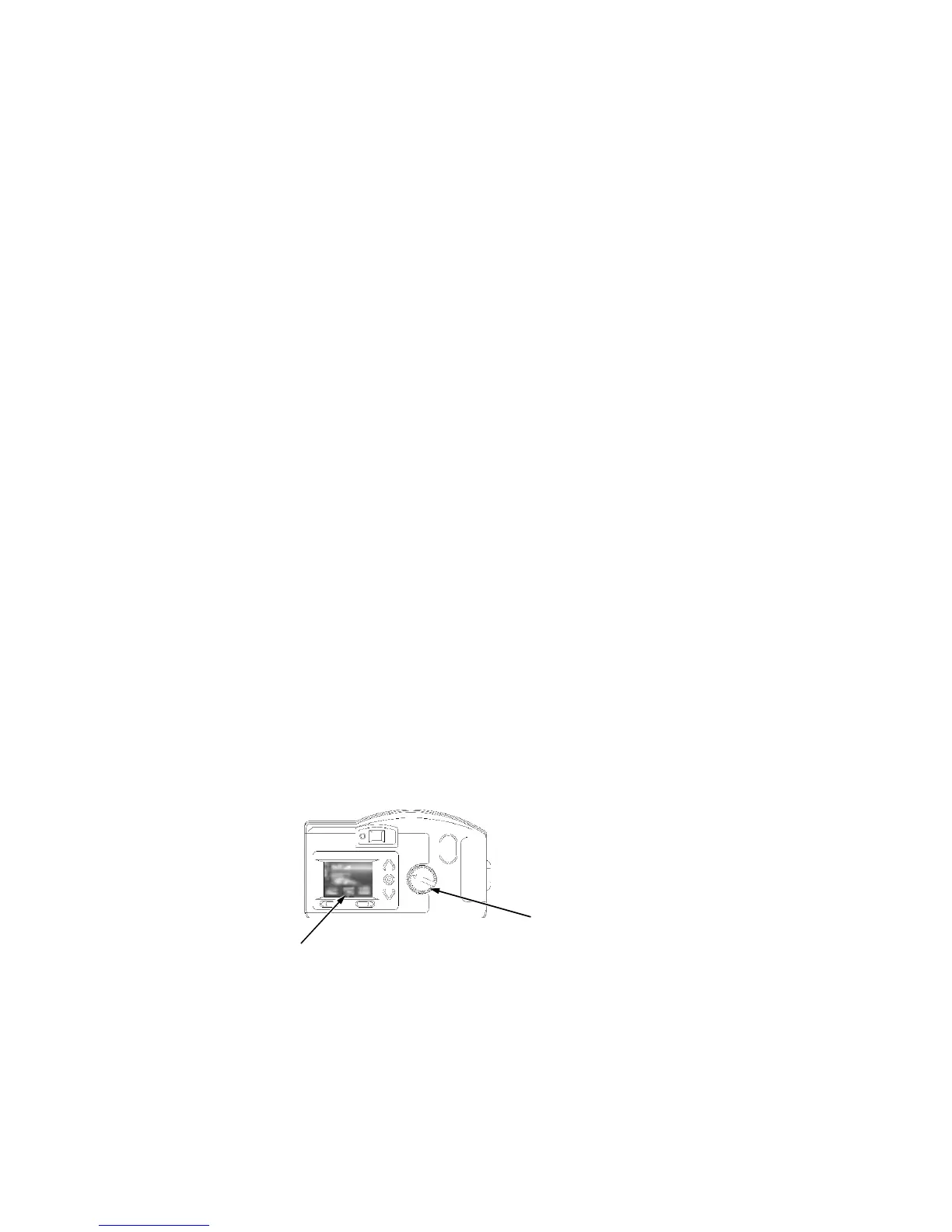
When the mode dial is set to Review, you may use the liquid crystal display (LCD) to view
the pictures stored on the memory card. Using the Overlay screen, the camera can per-
form the following functions:
View the amount of unused memory left on the memory card
View thumbnails of the pictures
Delete one or all pictures from the memory card
View pictures and run a slide show from the camera on your TV
NOTE: To conserve battery life, Dell recommends that you use the AC adapter with the
camera when it is in Review mode.
9LHZL QJ3LFWXUH VR Q W K H& D PHU D
To view pictures on the camera, perform the following steps:
1. Set the mode dial to Review.
2. Turn on the camera.
The Overlay screen appears on the LCD screen with the last picture taken.
mode dial
LCD screen


 To Next Page