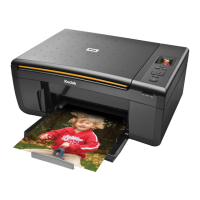
Printer Overview
14 Kodak ESP 9 Printer User Guide
Once you have activated zoom for the selected item, you can then use both the Zoom+
(zoom in) and the
Zoom– (zoom out) buttons.
Using the Start button
Press Start to initiate the task you are working on with the current settings.
Using the Cancel button
Press Cancel when:
• You want to interrupt an operation that has already started.
• You are viewing a menu that you opened by selecting an option on a different menu,
and then decide that you want to view the previous one.
Using the number keypad buttons
The number keypad is used primarily as a resource for sending faxes from the ESP 9 All–in–
One printer. It is also used to enter a quantity for making copies.
Use the the number keypad to:
• Dial a fax phone number



 To Next Page
 Loading...