EasyManua.ls Logo

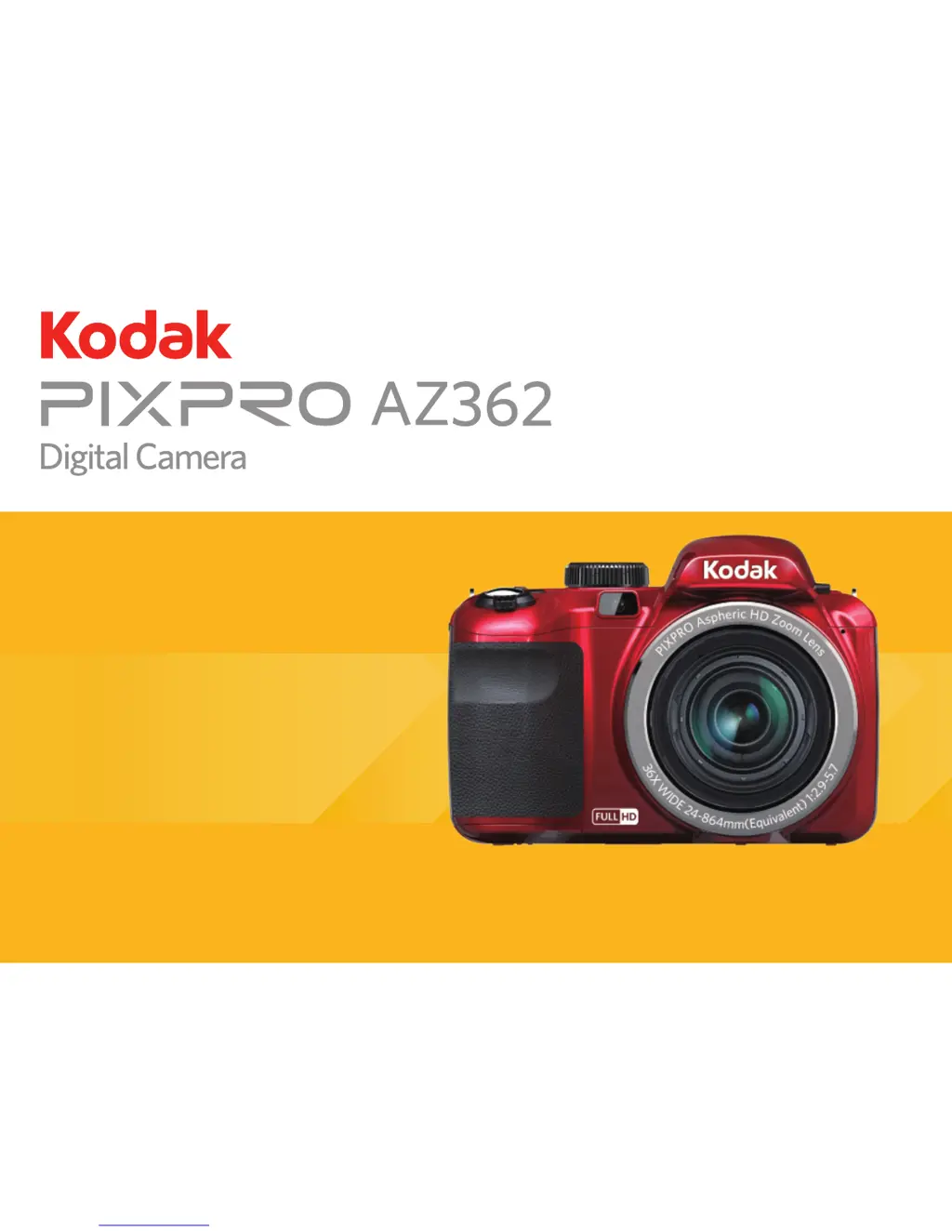
Kodak PIXPRO AZ362 - User Manual

Kodak PIXPRO AZ362
94 pages
Print Icon
To Next Page IconTo Next Page
Loading...
User Manual

Table of Contents

Other manuals for Kodak PIXPRO AZ362

Questions and Answers

  • W
    whiteclarenceAug 8, 2025
    How to fix Kodak PIXPRO AZ362 Digital Camera that does not turn on?
    • L
      lbartlettAug 8, 2025
      If your Kodak Digital Camera does not turn on, it may be because the battery has been depleted. Recharge the battery. Another reason may be that the battery is not inserted correctly. Correctly reinstall the battery.
  • K
    Kevin VillanuevaAug 13, 2025
    Why Kodak PIXPRO AZ362 cannot write to the memory card?
    • A
      Ann GrayAug 14, 2025
      If you cannot write to the memory card in your Kodak Digital Camera, it might be because the SD memory card has been locked. Release the write lock or replace it with another card. Additionally, the camera may experience trouble recording HD movies to SD cards with a rating lower than Class 4, so use an SD card with write Class higher than 4 to improve performance.
  • K
    Kayla WilsonAug 18, 2025
    Why won't images print from my Kodak PIXPRO AZ362?
    • A
      Anthony JacksonAug 18, 2025
      If images won't print from your Kodak Digital Camera to the connected printer, first, check the connection between the camera and printer. Ensure you are using a PictBridge compatible printer. Also, make sure the printer has paper and ink. Finally, check for and remove any jammed paper.
  • K
    Karen HarrisAug 25, 2025
    What to do if Kodak PIXPRO AZ362 images and videos cannot be saved?
    • C
      Candice MendozaAug 25, 2025
      If your Kodak Digital Camera cannot save images and video files, it may be due to a full or locked SD memory card. Either use another memory card or delete unnecessary files from the current one. Alternatively, unlock the memory card if it is locked.
  • E
    Erin WoodardAug 28, 2025
    Why is Kodak Digital Camera saving data to memory card so slow?
    • J
      Juan FarmerAug 29, 2025
      If saving data to the memory card on your Kodak Digital Camera is slow, using a memory card below Class 4 may result in slower recording times. Use an SD card with write Class higher than 4 to improve performance.
  • K
    kharrisSep 2, 2025
    What to do if Kodak PIXPRO AZ362 Digital Camera has too many movies to process?
    • R
      Robert KellySep 2, 2025
      If there are too many movies to process on your Kodak Digital Camera, it is because the number of pictures or folders in the SD memory card exceed the specifications, so the playback of data folder can not be displayed. Delete unwanted files.

Summary

Safety Notes

Camera Safety Precautions

Lists essential safety guidelines for handling and operating the digital camera.

Battery Safety Guidelines

Outlines critical safety measures for battery usage, charging, and disposal.

Memory Card Safety

General Camera Safety

Camera Part Identification

Installing Battery and Memory Card

Charging the Battery

Initial Setup: Language and Date;Time

Mode Overview

LCD Screen Icons: Photo Mode

Using the Mode Dial

Auto Mode

Program AE Mode

Shutter Priority Mode

Aperture Priority Mode

Manual Mode

Panorama Mode

Scene Mode (SCN)

Auto Scene Mode (ASCN)

Custom Settings (CS)

Basic Operation

Using the Zoom Function

How to use Optical and Digital Zoom to adjust magnification while shooting.

Focus Settings

Macro Mode

Flash Modes

White Balance Settings

Continuous Shooting Modes

EV Setting and Exposure Compensation

ISO Sensitivity Adjustment

Shutter Speed Adjustment

Aperture Adjustment

Playback Functions

Viewing Photos and Videos

Steps to display and navigate through stored photos and video clips.

Zoom Playback for Still Images

Deleting Photos and Videos

Menus and Settings

Exposure Metering Options

Image Size and Quality

Optical Image Stabilization (OIS)

Continuous Focus (Cont. AF)

High Dynamic Range (HDR)

Scene Mode Selection

Photo Shooting Settings Menu

Custom Settings Functionality

Movie Menu Options

Video Quality Settings

Movie Setting Menu

Playback Menu Options

Playback Setting Menu

File Deletion Options

Setup Menu

Camera Reset and Firmware Update

Connections

Connecting to a Computer

Steps for establishing a USB connection to transfer files to a PC.

USB Mode Settings

File Transfer to PC

HDMI Connections

PictBridge Printer Connection

Connecting to Your Printer

PictBridge Menu Operations

Appendices

Camera Specifications

Technical details and performance characteristics of the digital camera.

Prompts and Warning Messages

Troubleshooting Common Issues

Kodak PIXPRO AZ362 Specifications

General IconGeneral
BrandKodak
ModelPIXPRO AZ362
CategoryDigital Camera
LanguageEnglish

Related product manuals