EasyManua.ls Logo

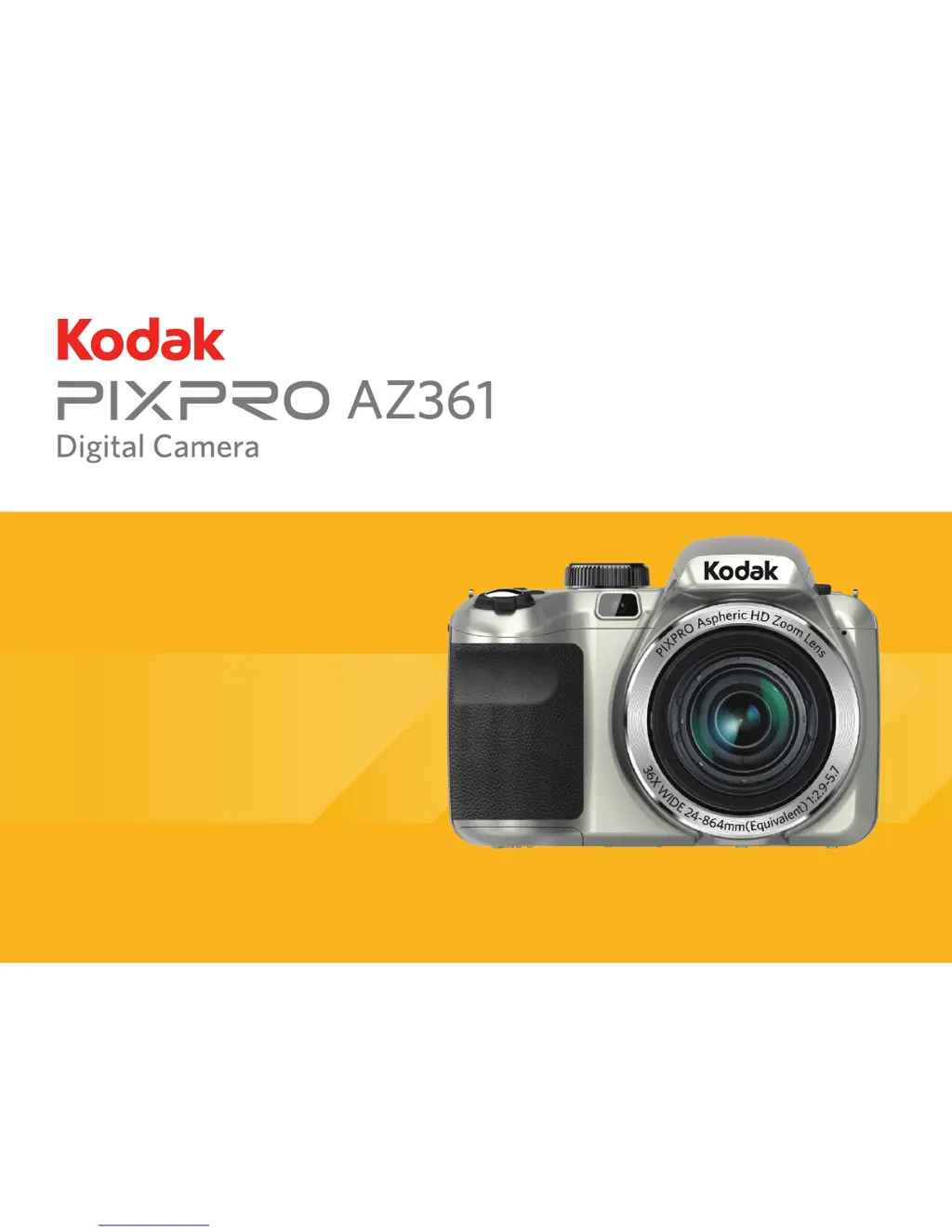
Kodak PIXPRO AZ361 - User Manual

Kodak PIXPRO AZ361
95 pages
Print Icon
To Next Page IconTo Next Page
Loading...
User Manual

Table of Contents

Other manuals for Kodak PIXPRO AZ361

Questions and Answers

  • A
    acannonJul 26, 2025
    How to fix a Kodak PIXPRO AZ361 Digital Camera that does not turn on?
    • C
      Charles BarnesJul 26, 2025
      If your Kodak Digital Camera does not turn on, it could be due to a depleted battery. Recharge the battery. Another possibility is that the battery is not correctly installed; reinstall it properly.
  • V
    vdurhamJul 30, 2025
    What to do if Kodak PIXPRO AZ361 Digital Camera cannot write to the memory card?
    • D
      Daisy SmithJul 30, 2025
      If you cannot write to the memory card in your Kodak Digital Camera, it could be because the SD memory card has been locked. Release the write lock or replace it with another card. Also, using an SD card with a rating lower than Class 4 may cause trouble recording HD movies. Use an SD card with write Class higher than 4 to improve performance.
  • C
    Carla DurhamAug 4, 2025
    What to do if images and video files cannot be saved on Kodak PIXPRO AZ361?
    • K
      Kathryn BrownAug 4, 2025
      If your Kodak Digital Camera images and video files cannot be saved, it might be due to a full SD memory card. Try using another memory card or deleting unnecessary files. Alternatively, the memory card may be locked; in this case, unlock it.
  • R
    Randy GilmoreAug 7, 2025
    Why does my Kodak PIXPRO AZ361 Digital Camera turn off suddenly during operation?
    • K
      Keith StewartAug 7, 2025
      If your Kodak Digital Camera turns off suddenly, it is likely because the batteries have been depleted. Recharge the battery to solve this issue.
  • A
    apriceAug 12, 2025
    Why images will not print from the connected printer for Kodak PIXPRO AZ361 Digital Camera?
    • M
      mwagnerAug 12, 2025
      If your Kodak Digital Camera is not printing images, first check the connection between the camera and the printer. Ensure you are using a PictBridge compatible printer. Also, make sure the printer has paper and ink, and that there is no paper jammed inside.
  • B
    Bruce KingAug 16, 2025
    Why is saving data to memory card slow on Kodak Digital Camera?
    • D
      Debra RollinsAug 16, 2025
      If saving data to the memory card on your Kodak Digital Camera is slow, it might be because you're using a memory card below Class 4. Use an SD card with a write Class higher than 4 to improve performance.
  • M
    Michelle HallAug 20, 2025
    Why Kodak PIXPRO AZ361 displays 'Too many movies to process'?
    • D
      Deborah RamseyAug 20, 2025
      If your Kodak Digital Camera has too many movies to process, it means that the number of pictures or folders in the SD memory card exceed the specifications, so the playback of data folder can not be displayed. Delete unwanted files to resolve this.

Summary

BEFORE YOU START

Declaration of Conformity

Legal and regulatory compliance statements.

About this Manual

Introduction to the user manual's purpose.

SAFETY NOTES

Camera Safety Precautions

Guidelines for safe camera handling and operation.

Battery Safety Guidelines

Instructions for safe battery use and handling.

Memory Card Safety Guidelines

Precautions for memory card insertion and usage.

General Safety Precautions

Additional important safety information.

GETTING READY

Included Accessories List

Identifies items provided with the camera.

Initial Setup Steps

Instructions for attaching accessories like lens cap and strap.

Camera Components Overview

Part Names Overview

Identification of camera buttons and parts.

Power and Initial Setup

Battery Charging Process

Process for charging the camera's battery.

Installing Battery and Memory Card

Steps to insert the battery and memory card.

Basic Camera Operations

Powering the Camera On and Off

How to power the camera on and off.

Understanding Camera Symbols

Explanation of icons used in the manual.

Initial Configuration

Setting Language and Date;Time

Initial setup of language and time settings.

Resetting Language and Date;Time

How to change or reset these settings.

MODE OVERVIEW

Display Settings Options

Options for screen display modes.

LCD Screen Display Guide

Explanation of icons in photo shooting mode.

Screen Icons in Movie Mode

Explanation of icons in movie recording mode.

Screen Icons in Playback Mode

Explanation of icons in playback mode.

Camera Modes and Operations

Using the Mode Dial

How to select shooting modes.

Basic Shooting Modes

Detailed explanation of Auto, Program AE, Shutter/Aperture Priority, Manual.

Advanced Shooting Modes

Explanation of Panorama, Scene, and Auto Scene modes.

Custom Settings Configuration

How to save and recall custom shooting parameters.

Kodak PIXPRO AZ361 Specifications

General IconGeneral
BrandKodak
ModelPIXPRO AZ361
CategoryDigital Camera
LanguageEnglish

Related product manuals