K71000 Automatic PMCC Flash Point Analyzer
Operation and Instruction Manual
K71000-Manual -33-
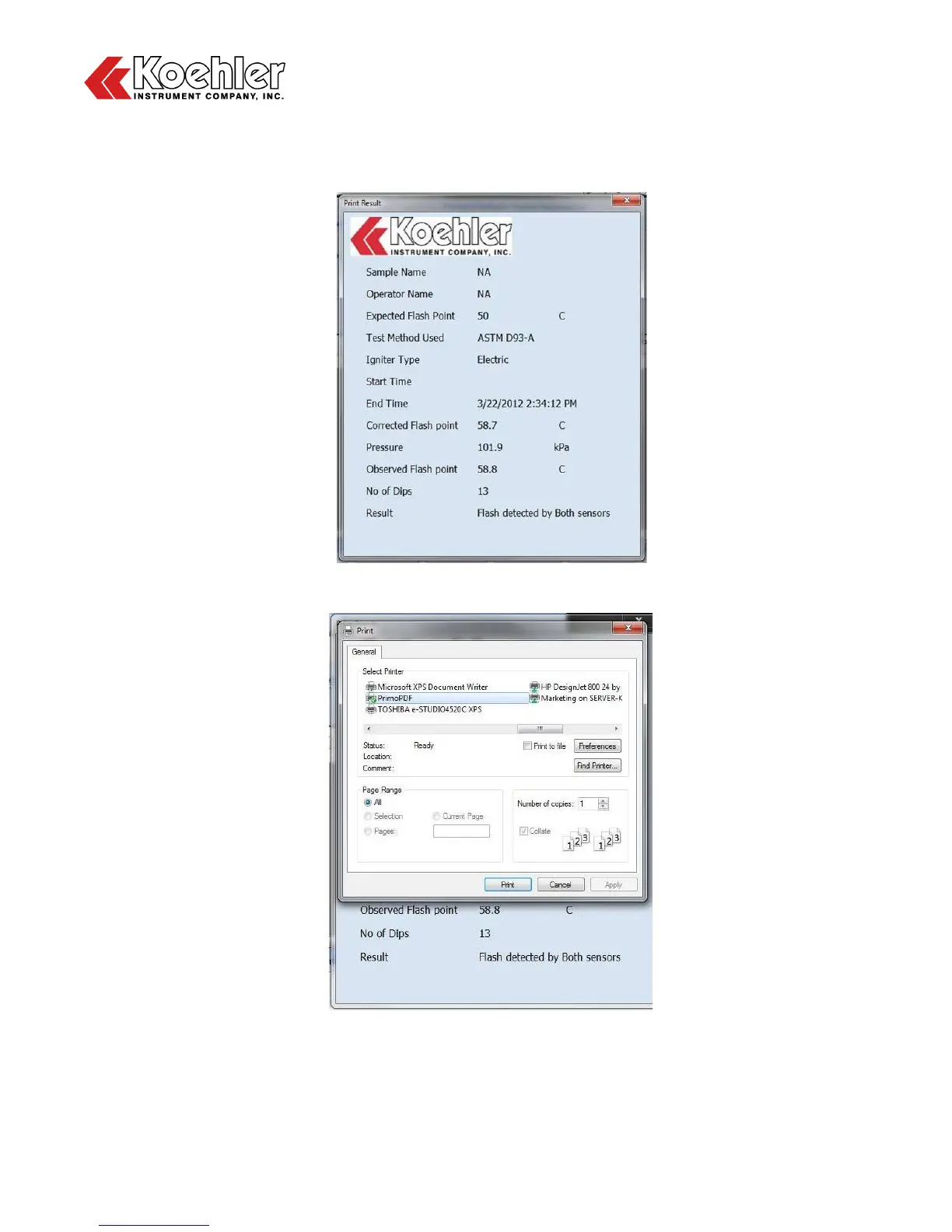
Highlighting a data set and clicking on the Print button will cause a temporary Print Result Screen to
appear followed by a Printer Options Menu. See Figures 22 and 23 below. Once the appropriate
printer is selected, click the Print button to send the test result to the Printer.
Figure 22: Print Result Screen
Figure 23: Printer Options Screen


 To Next Page