K71000 Automatic PMCC Flash Point Analyzer
Operation and Instruction Manual
K71000-Manual -34-
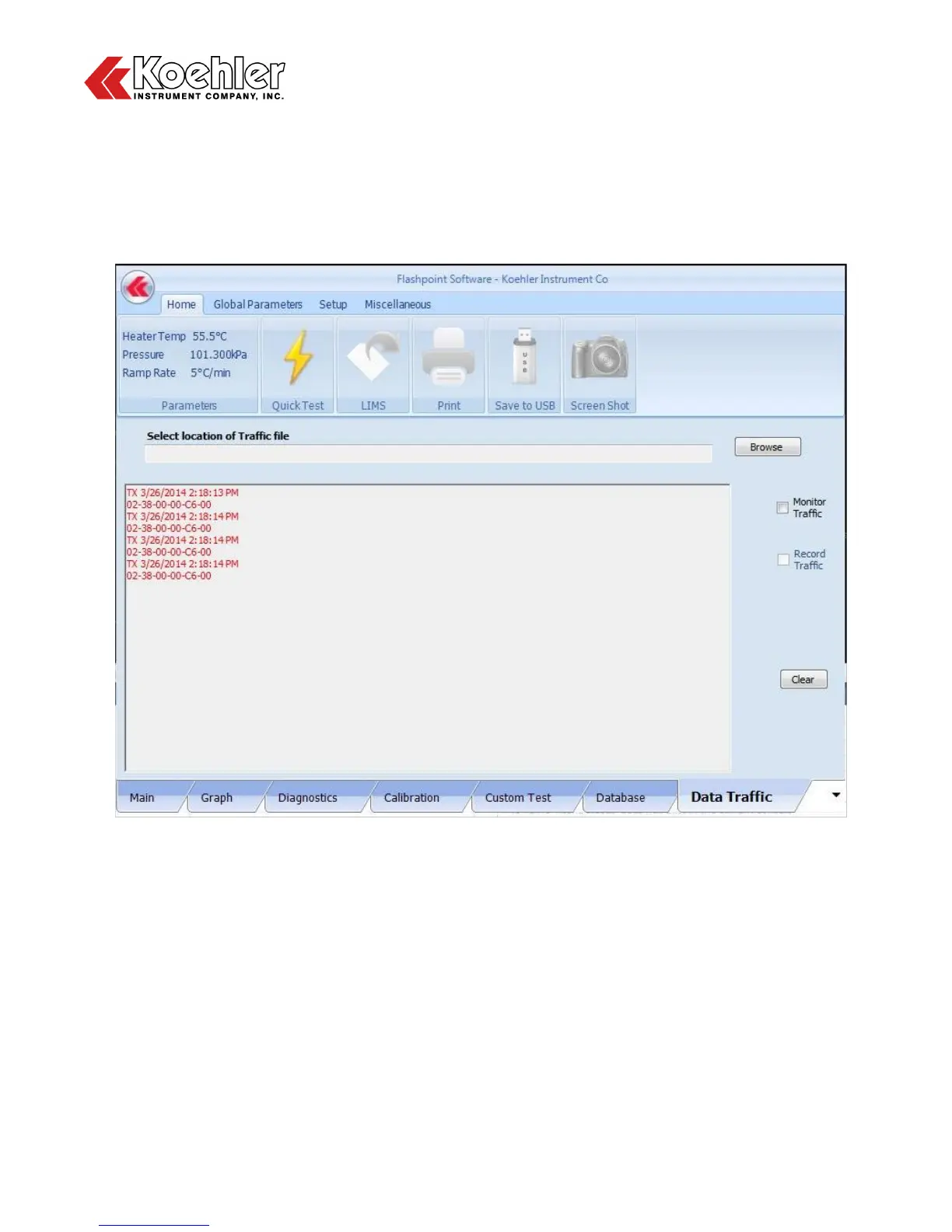
11. Data Traffic - Clicking on the Data Traffic Tab will display the analyzers platform for showing the data
traffic or communication data between the systems PC and Microprocessor as shown in Figure 24
below. When the user first enters this menu, the display screen will be blank. Clicking on the Monitor
Traffic box will begin displaying the data communication. At this time, a screenshot can be taken of
the current data being displayed. The user can also insert a USB drive at this time and click the
Record Traffic box. This function is useful in a troubleshooting situation. A file containing a record of
the data traffic can be useful for a Koehler Technician for diagnosing a problem.
Figure 24: Data Traffic Screen


 To Next Page