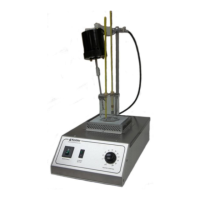
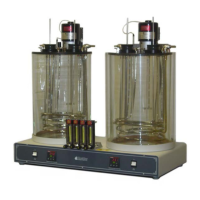
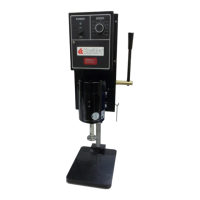
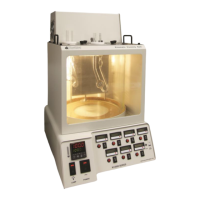
SV3000, SV4000 Saybolt Viscosity Bath
Operation and Instruction Manual
- 7 -
4.2. Temperature Controller Operation
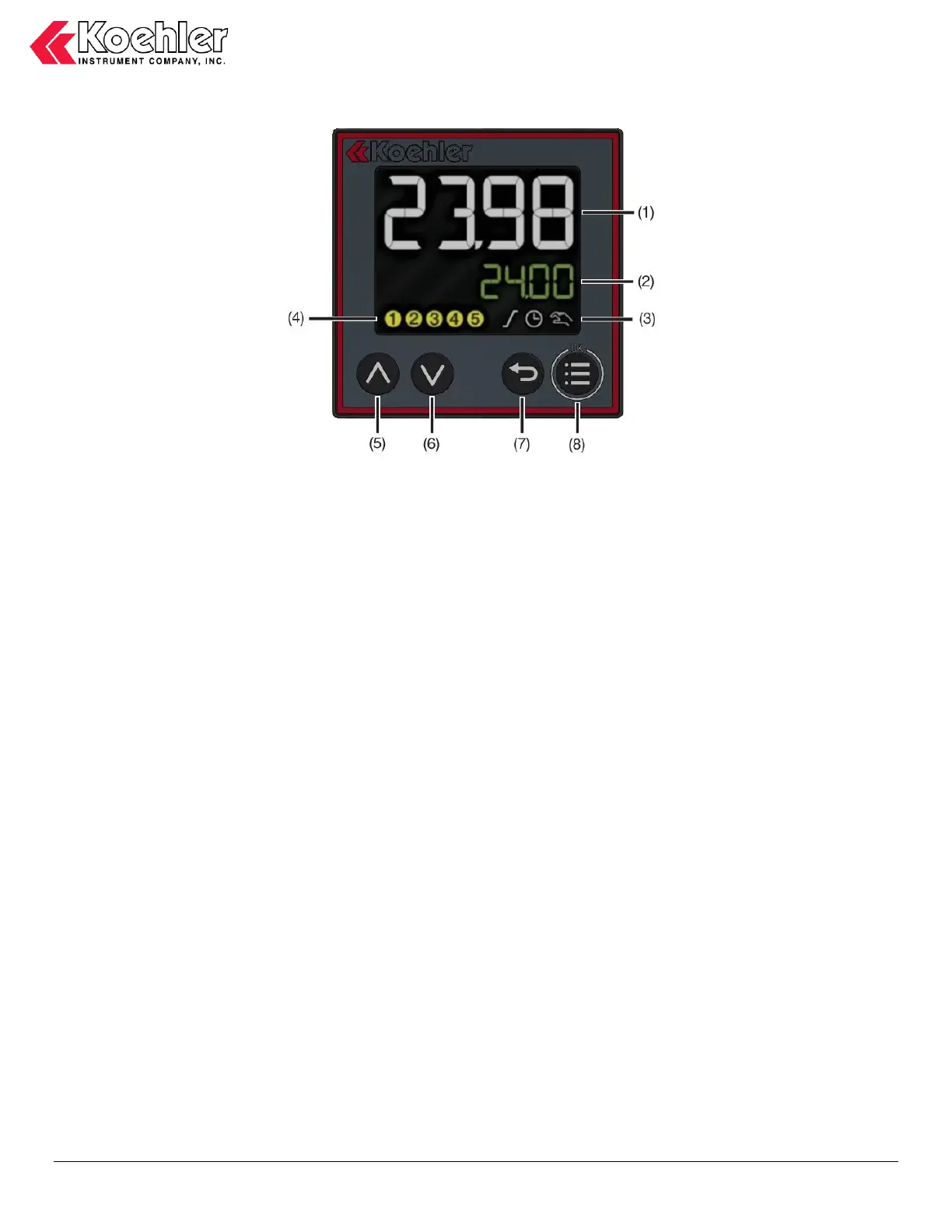
Figure 4. Temperature Controller
Item descriptions
1. Process Temperature Display. The upper white display shows the process temperature as read from the instruments
thermal sensing probe.
2. Set Point Temperature Display. The lower green display shows the set point temperature of the controller. (In menu
mode, it will show menu selection information)
3. Activity display indicators These symbols illuminate when ramp function, timer, and manual mode operations are in
use.
4. Digital output indicators These indicators show output status (yellow = active)
5. Up Increase setpoint value. (In menu mode, select menu item or increase value)
6. Down Decrease setpoint value. (In menu mode, select menu item or decrease value)
7. Back exit editing mode without change (in menu mode, return to previous menu level)
8. Menu/OK Call up main menu, switch to submenu/level, switch to editing mode, exit editing mode confirming changes.
IMPORTANT NOTE: The digital temperature controller has been pre-programmed specifically for this instrument at the
Koehler factory. Please do NOT attempt to re-program the controller as this may cause undesired operation and will void
the product warranty. If assistance is required, please do not hesitate to contact the Koehler technical service department.
Setting the Temperature. Set the desired operating temperature by pressing the up or down keys. The set point is displayed in
the lower green display. The green display will flash when the setpoint value is adjusted. Wait 5 seconds or press the Menu/OK
to confirm the change. “OK” will display briefly on the lower green display to confirm the adjustment. (Press the Back key to
discard the setpoint change while still flashing. The control will return to normal operation)
The instrument will then automatically adjust the temperature to the set value. Please allow the instrument to fully equilibrate
before proceeding with any testing.
Temperature Calibration. The below procedure allows the digital temperature control to be calibrated to a certified reference
thermometer.
a. Use a certified calibrated measuring device to acquire the temperature. Calculate the difference between the measuring
device and the Process value displayed on the controller.


 To Next Page