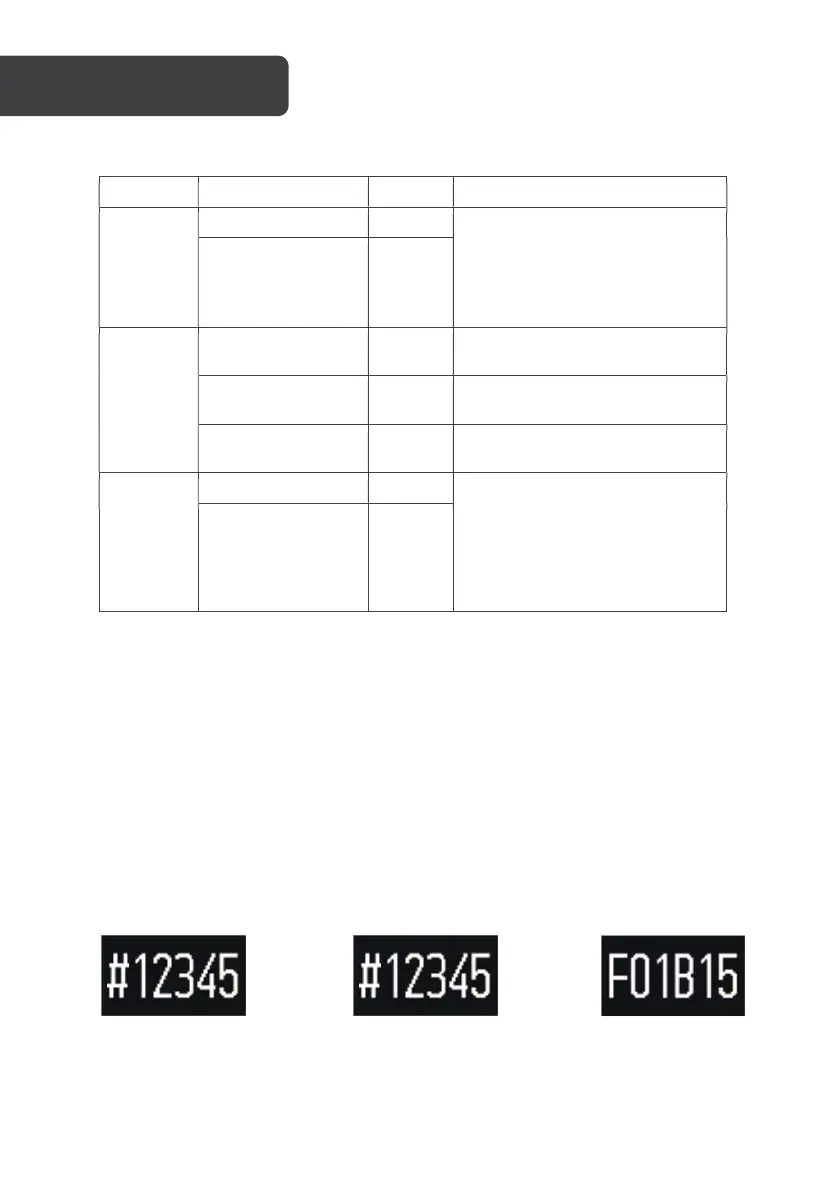
Button Function Action Description
Up Button
Screen off state Click The button function is set on the
app side and the pointer date is
displayed by default. Features
include second-time zone, date,
day of the week, music play or
pause, volume +, volume-.
Bright screen status
Click
Middle
Button
Screen off: light up
the screen
Click
Screen lit: switch
interface
Click
Start function
Long
press
Down
Button
Screen off state Click The button function is set
through the app and the pointer
week is displayed by default.
Features include (second-time
zone, date, day of the week,
music play or pause, volume +,
volume-)
Screen on status Click
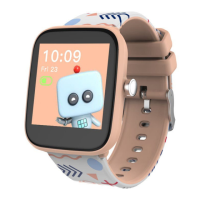
Binding to the mobile phone
The watch is bound to the mobile device by Bluetooth, so it must be enabled for these
functions to operate.
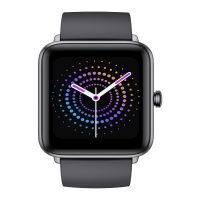
Initialised state, the watch
screen display is lit
Activated state, long press
the middle button and the
steps, calories, distance
interface will display
Click the middle button to
display
Click the middle button to return to the previous interface.
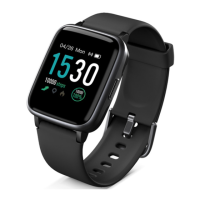
The binding is successful, and the watch enters the main time interface.
OPERATION




 To Next Page