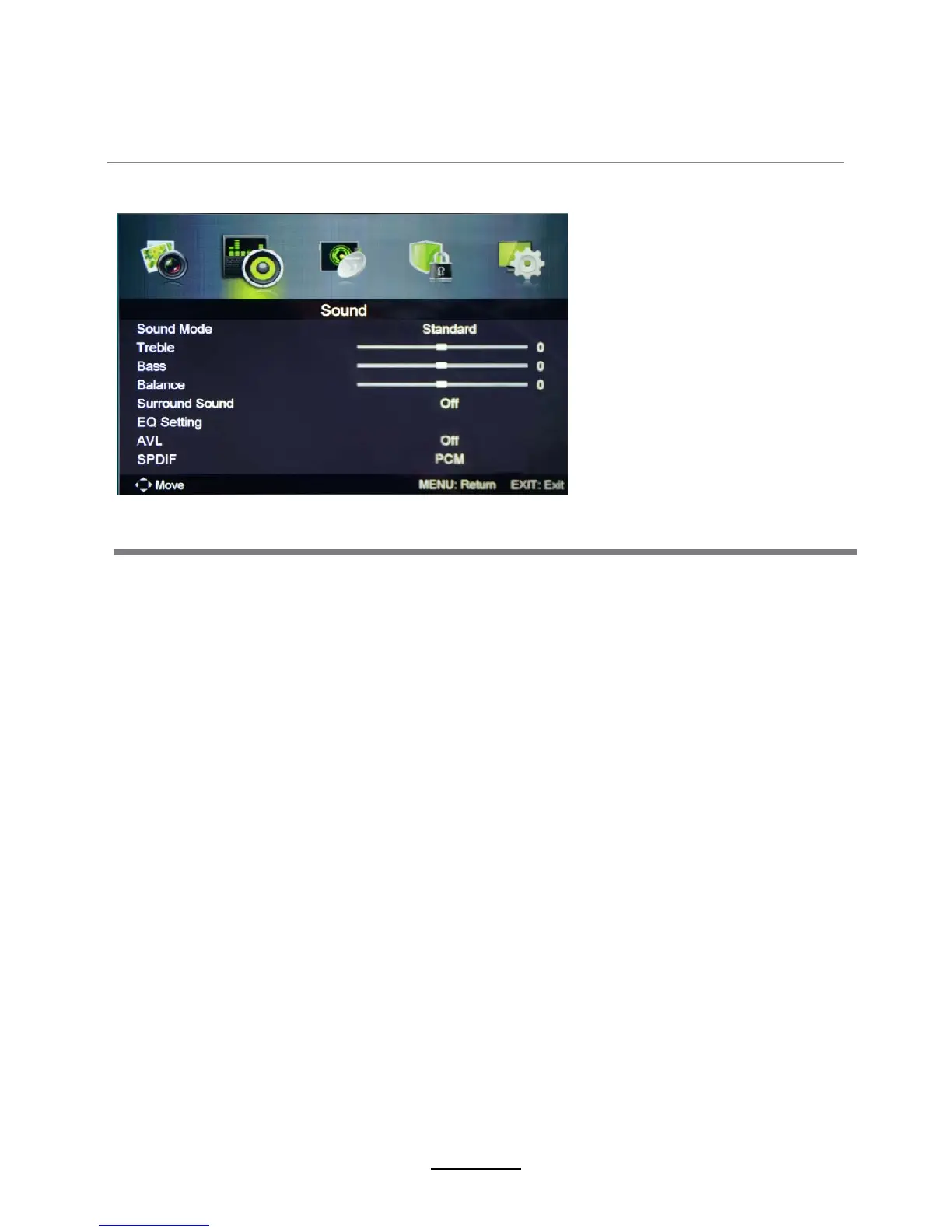
Sound Mode: Select your desired audio mode as follow: Standard, Music, Personal, Movie.
(You may select the sound mode directly by pressing the SOUND button on the remote control.)
Treble: Adjust the treble effect. Increases or decreases high-pitched sounds.
Bass: Adjust the bass effect. Increased or decreases lower-pitched sounds.
Balance: Adjust the balance between left and right speakers to adapt to your listening position.
EQ Settings: Adjust Equalizer settings.
AVL: Activate or deactivate the Auto Volume Limited function.
2. Sound menu
50
50
50
OSD Menu
Description
9
SPDIF: Select the spdif mode for the TV from off, PCM and Auto.
Surround Sound:Turn on/off the surround sound function.















 To Next Page