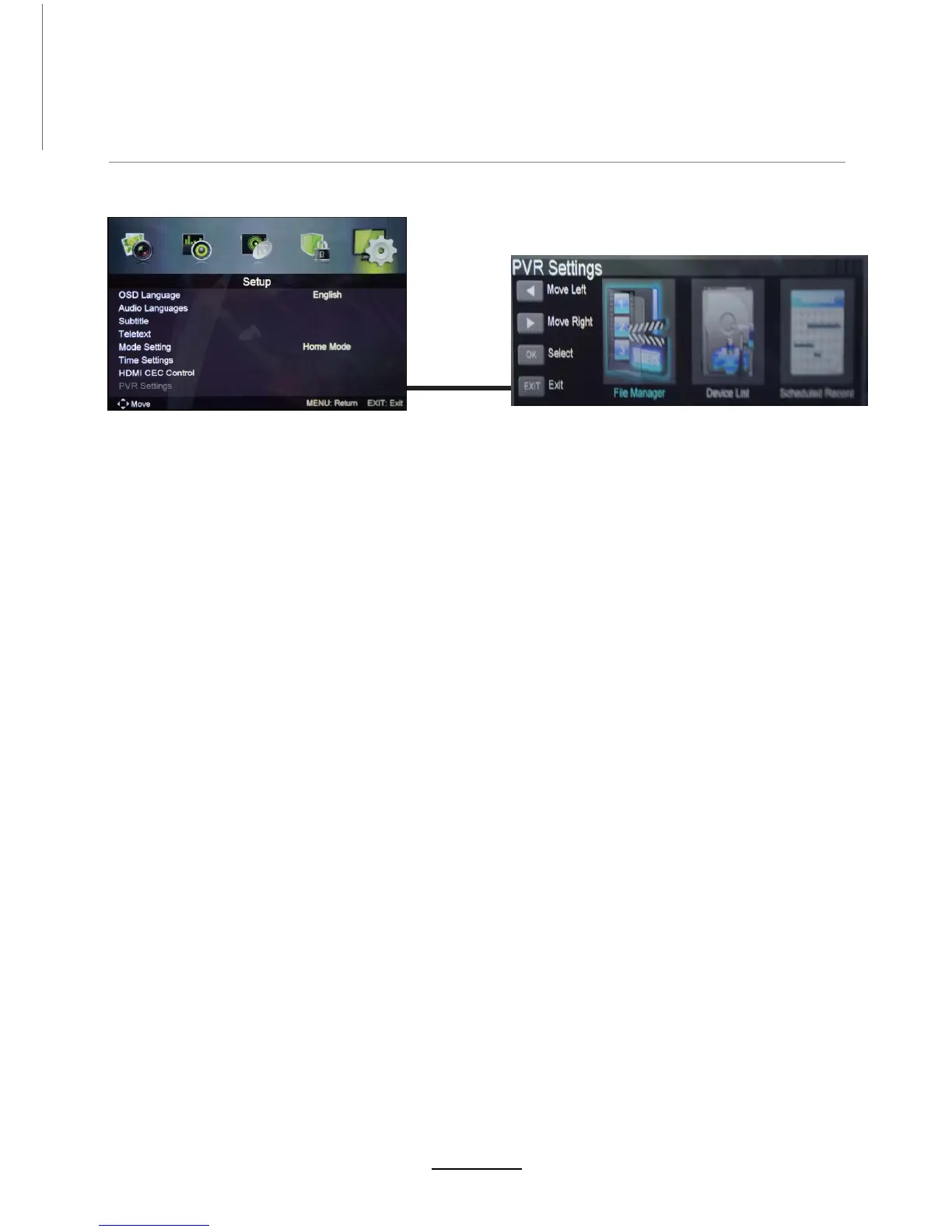
PVR settings
Press the MENU button select Feature-PVR/Timeshift menu, press OK button to enter the menu as below.
Select Record File Format mode from TS and PS for storing in the USB device.
NOTE:
NOT all USB devices, such as phones, MP3 players, cameras, and the like, are compatible with
recording files. Please use USB Flash Drives, or external HDDs with a separate power supply.
The USB drive has to be formatted before any recording can be done to ensure that it is in the
correct file system format and that there is enough data space for recording.
1). File Manager
2). Device List
Recording Operation
Red button: Delete One scheduled program.
Green button: Delete All scheduled programs.
3). Schedule List
17















 To Next Page