Description
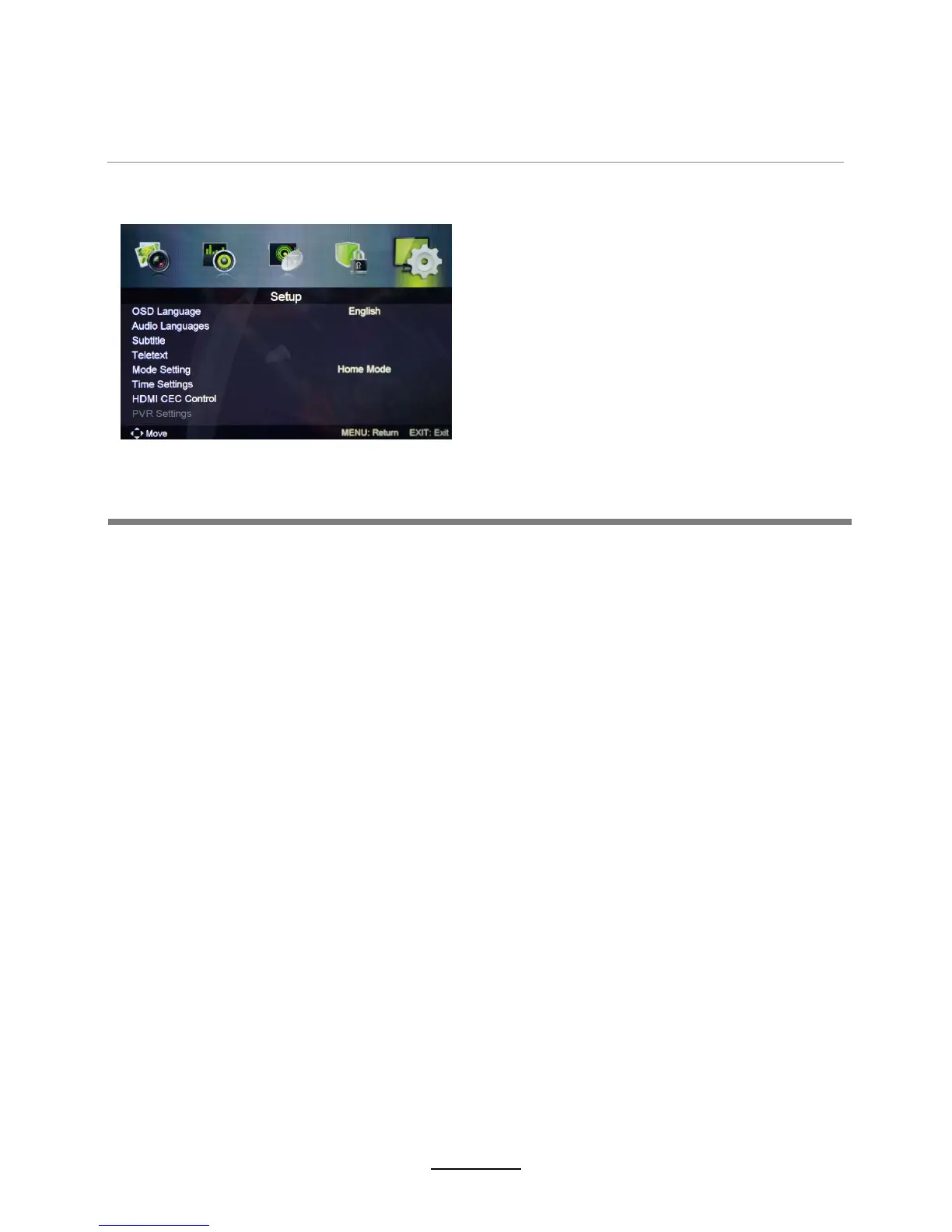
5. Setup menu
OSD Language: Allows you to select menu language.
Subtitle: Allows you to select subtitle language.
Teletext: Adjust Teletext settings. Only available under DTV and ATV source.
HDMI CEC Control : Turn on/off HDMI CEC Control.
PVR System: Setup the PVR file system.
Audio Language: Allows you to select audio language.
OSD Time: 10 seconds、20 seconds、30 seconds、60 seconds、off.
Sleep Time: Set the time span before the unit goes to sleep from the following selections:
5 mins、15 mins、30 mins、60 mins、90 mins、120 mins、240 mins、off.
Auto Sleep: 3 hours、4 hours、 5 hours、 off.
Time zone: Allows you to select the time zone.
Reset: Press OK button to restore factory default.
First Time Setup: Display the First Time Installation menu.
Time Settings:
OSD Menu
13















 To Next Page