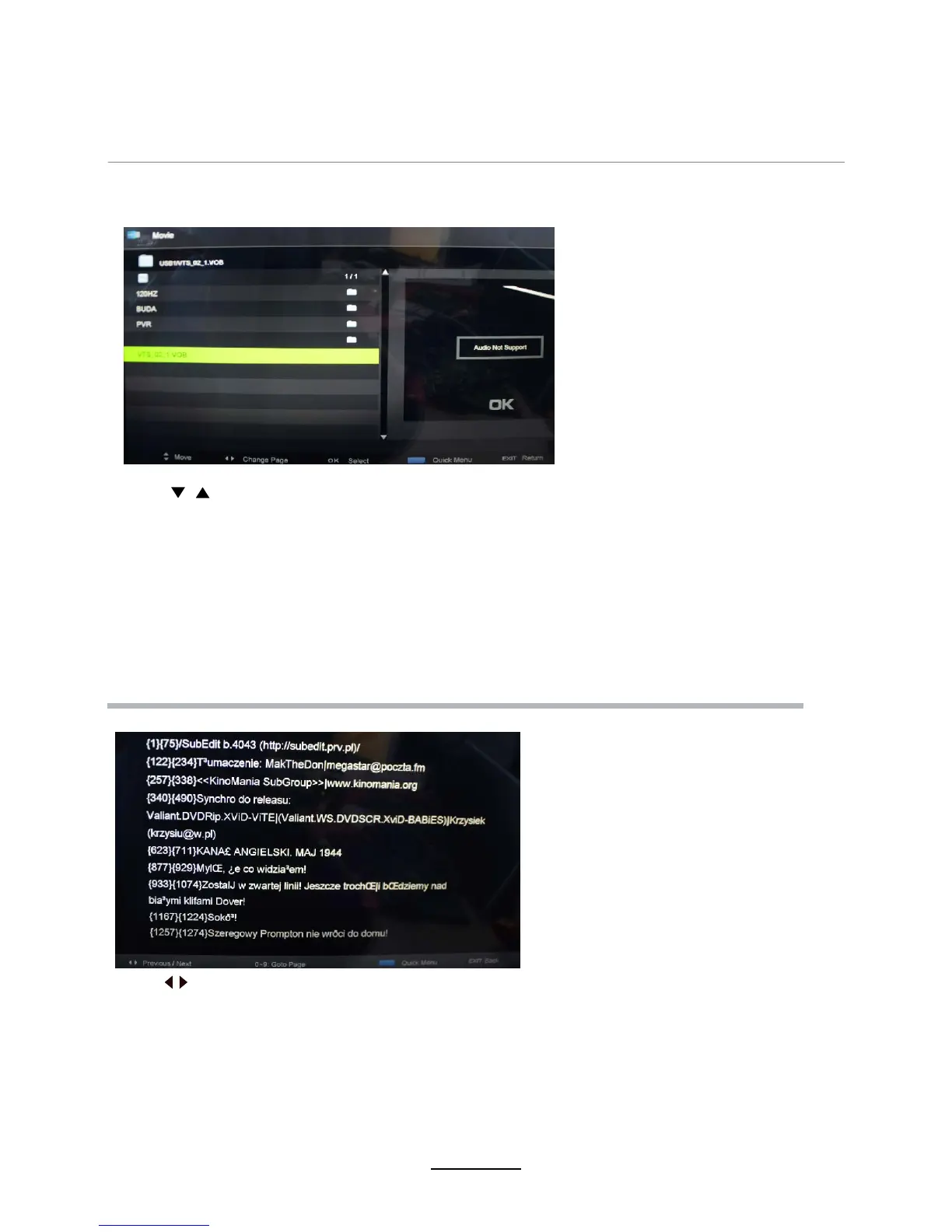
3. Movie
4. Text
Play movies
Multimedia Operation
Pause: Play/pause the music.
FB/FF: Fast backward/fast forward.
Prev./Next: Play the previous/next file.
Stop: Stop the music.
Press / button to select the option on the table, and press OK button to change.
Note: You could press OK button to display the option table when it disappears.
16
Press to select options on the toolbar, and press OK to change.
Prev/Next: Turn to previous/next file.
Press the EXIT button and select Back to return to the previous menu.
Quick Menu:
Repeat: Select the repeat mode from Repeat All, Repeat 1, Off.
Background Music: Enable or disable background music.
Encoding Type: Change the type of encoding to suit different languages.
Press 0~9
to select specific pages.
Press D.MENU to enter Quick Menu.
may















 To Next Page