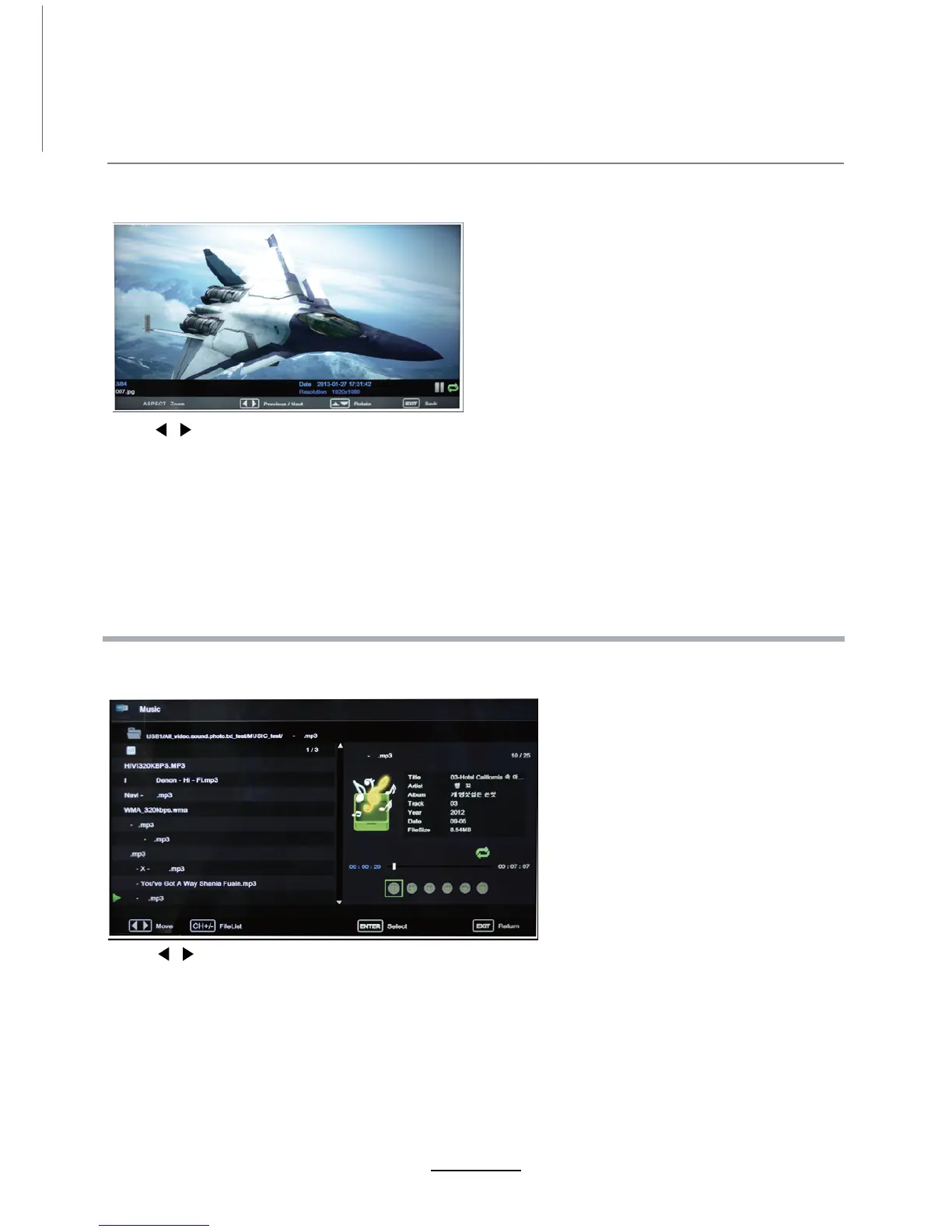
1. Photo
2. Music
Press / button to select the option on the table, and press
Note: You could press OK button to display the option table when it disappears.
OK button to change.
Press / button to select the option on the table, and press
Pause: Play/pause the music.
FB/FF: Fast backward/fast forward.
Prev./Next: Play the previous/next file.
Stop: Stop the music.
OK button to change.
View photos
Play music
Multimedia Operation
Previous/Next: View the previous/next photo.
ASPECT Zoom: Adjust picture size.
Rotate: Rotate the photo clockwise/counter-clockwise.
15
an option and press OK to confirm selection.
may















 To Next Page