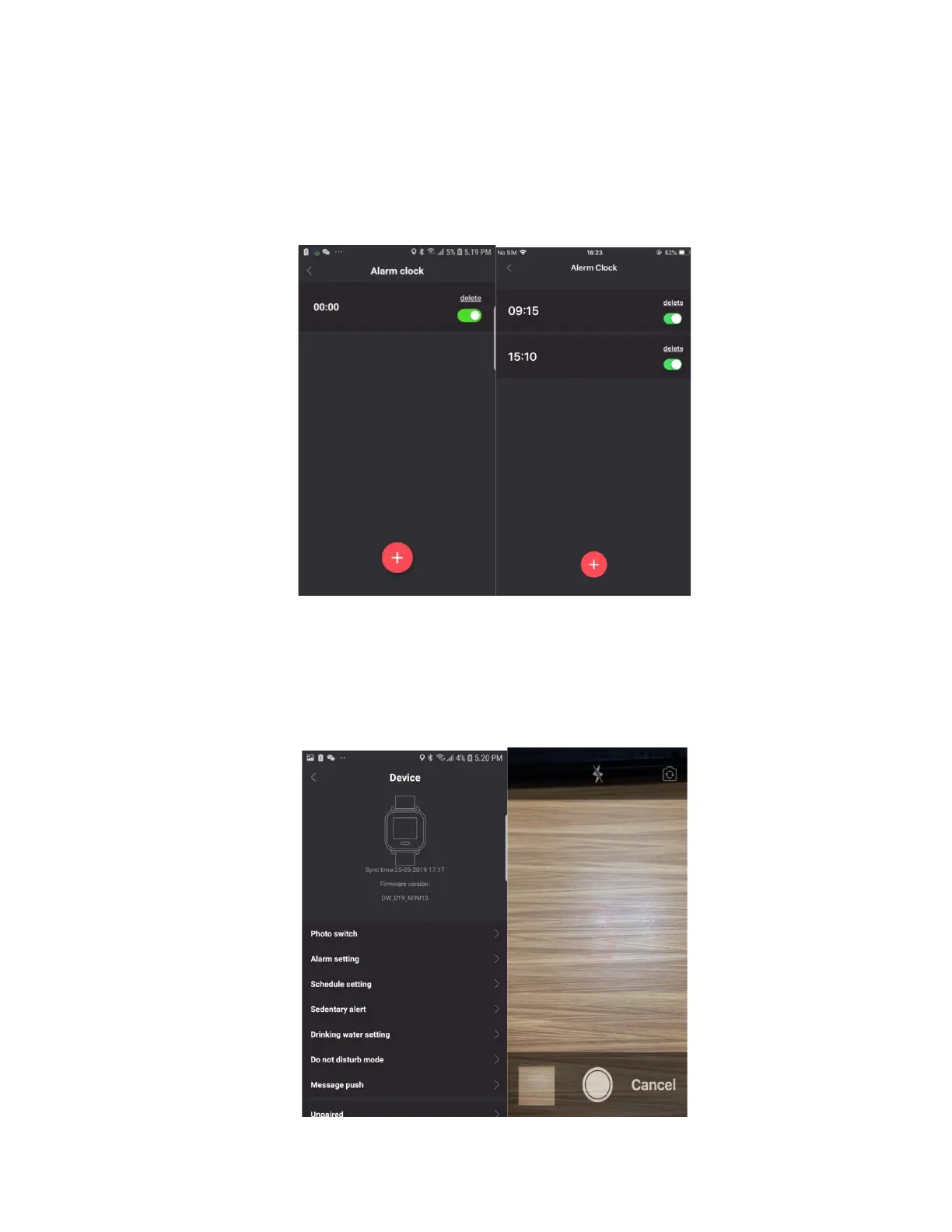
Alarm Setting
After connecting to your phone, open the sidebar, click device then click alarm setting and add a
new alarm. The watch will vibrate when it’s time for the alarm. The alarm clock can be set daily
or for a specific day of the week and you can set up to 5 alarms.
Remote Camera Control
After connecting to your phone, open the sidebar, click device then click photo switch and turn
on the phone camera. Switch to the camera function on the watch and long press the button to
take a photo. This can helpful for taking group photos.



 To Next Page