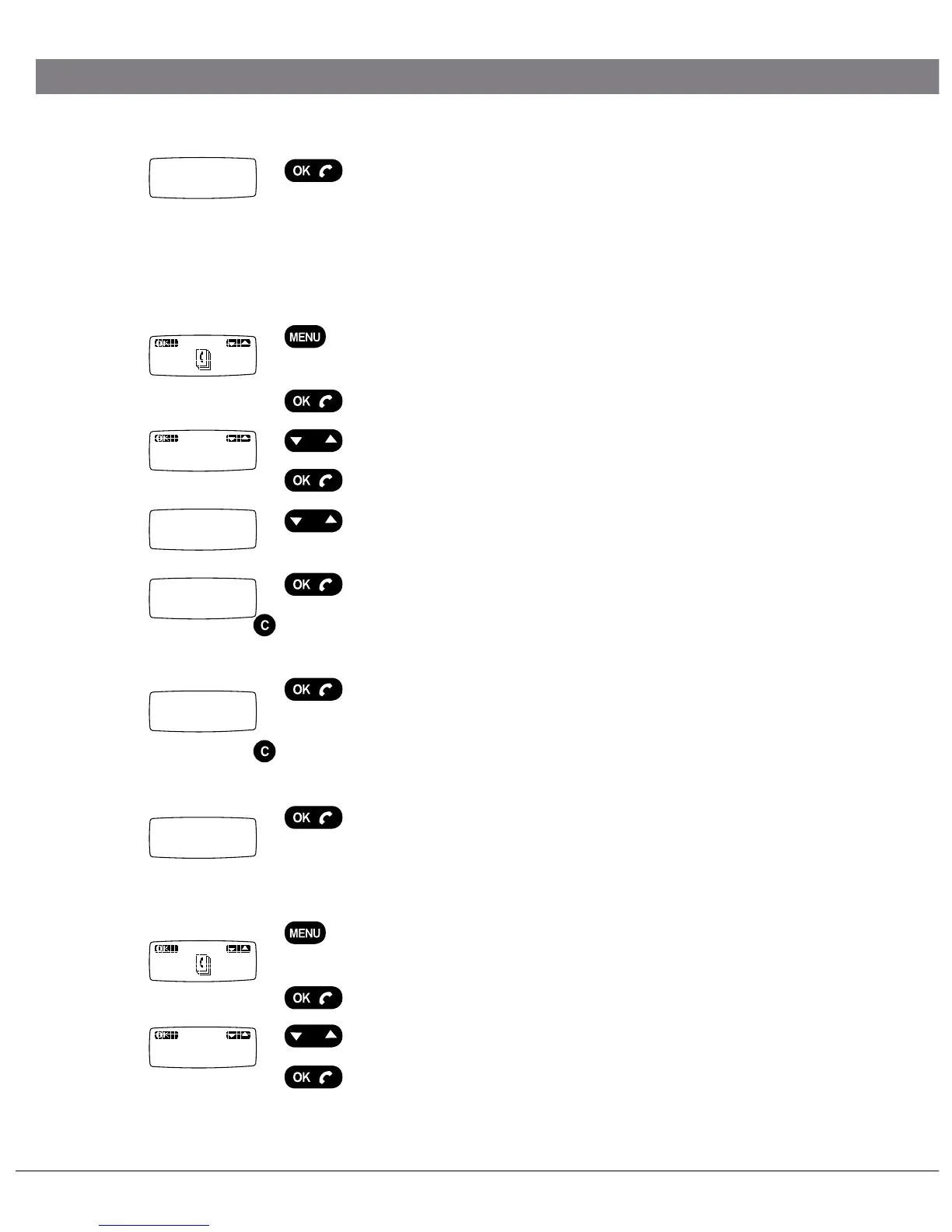
Press OK to save the number.
The word Done is displayed. If the phonebook
already has 50 entries, the words Memory full will
be displayed.
Updating the phonebook
Press the MENU key.
The phonebook is the first option on the menu.
Press OK.
Press the Up key so that Edit is displayed.
Press OK.
Press Up/down to look through the phonebook until
you find the name or number you want to update.
Press OK.
Change the number if that needs updating. Delete
digits using C.
Press OK.
Change the name if that needs updating. Delete
letters using C and enter new letters as per instruc-
tions on page 11.
Press OK to save your changes.
The word Done is displayed.
Delete names and numbers
Press the MENU key.
The phonebook is the first option on the menu.
Press OK.
Press Up/down until Erase is displayed.
Press OK.
ADVANCED FEATURES
0-9...
A b c...
Done
Edit
NUMBER:
123456
NAME:
CHRIS
Done
Erase
PHONEBOOK
PETER.


 To Next Page