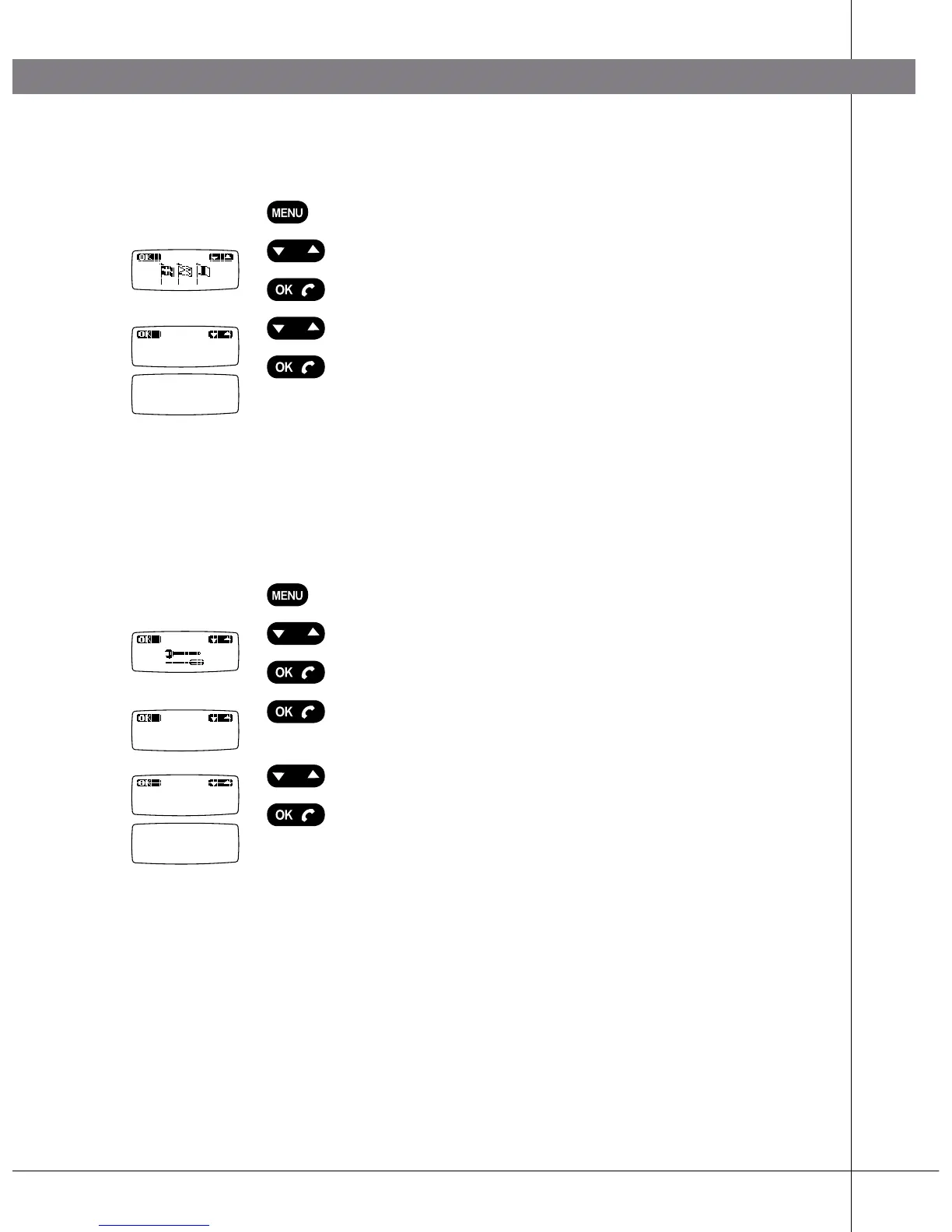
CHANGING LANGUAGES
Press the MENU key.
Select “Language” using the Up/down key.
Press OK.
Select the language you require using Up/down.
Press OK.
The selected setting is saved.
ADJUSTING KEY TONE
You can select whether or not you want a tone to be heard when you press a
key. Note that this setting does not affect the key tone you hear when you dial a
number.
Press the MENU key.
Select “Tools” using the Up/down key.
Press OK.
Press OK again to confirm Keypad tone which is the
first option on the menu.
Select On or Off using Up/down.
Press OK.
The selected setting is saved.
SETTINGS
English
Keypad tone
Off
Done
Done



 To Next Page