Press OK.
Enter the base station’s security code (PIN code)
(standard code is 0000).
Press OK.
Wait until you receive confirmation that deregistra
-
tion has been completed.
If the base station is found, the word
Done will ap-
pear in the display. If the base station is not found,
the word Fail will appear instead.
Press OK to return to the menu.
REGISTERING A NEW BASE STATION
See page 6.
SEARCHING FOR A DECT HANDSET
This only applies to a Konftel DECT base station.
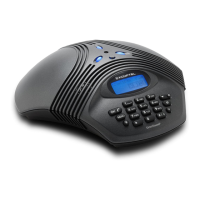
You can let a Konftel DECT base station search for telephones (handsets or Konftel
200W) that are registered with the base station. A handset normally emits a tone
while being searched for by the base station. The Konftel 200W emits an audible
tone when it is being searched for by the base station and the word PAGE appears
in the display. Press any key on the Konftel 200W to escape from this mode.
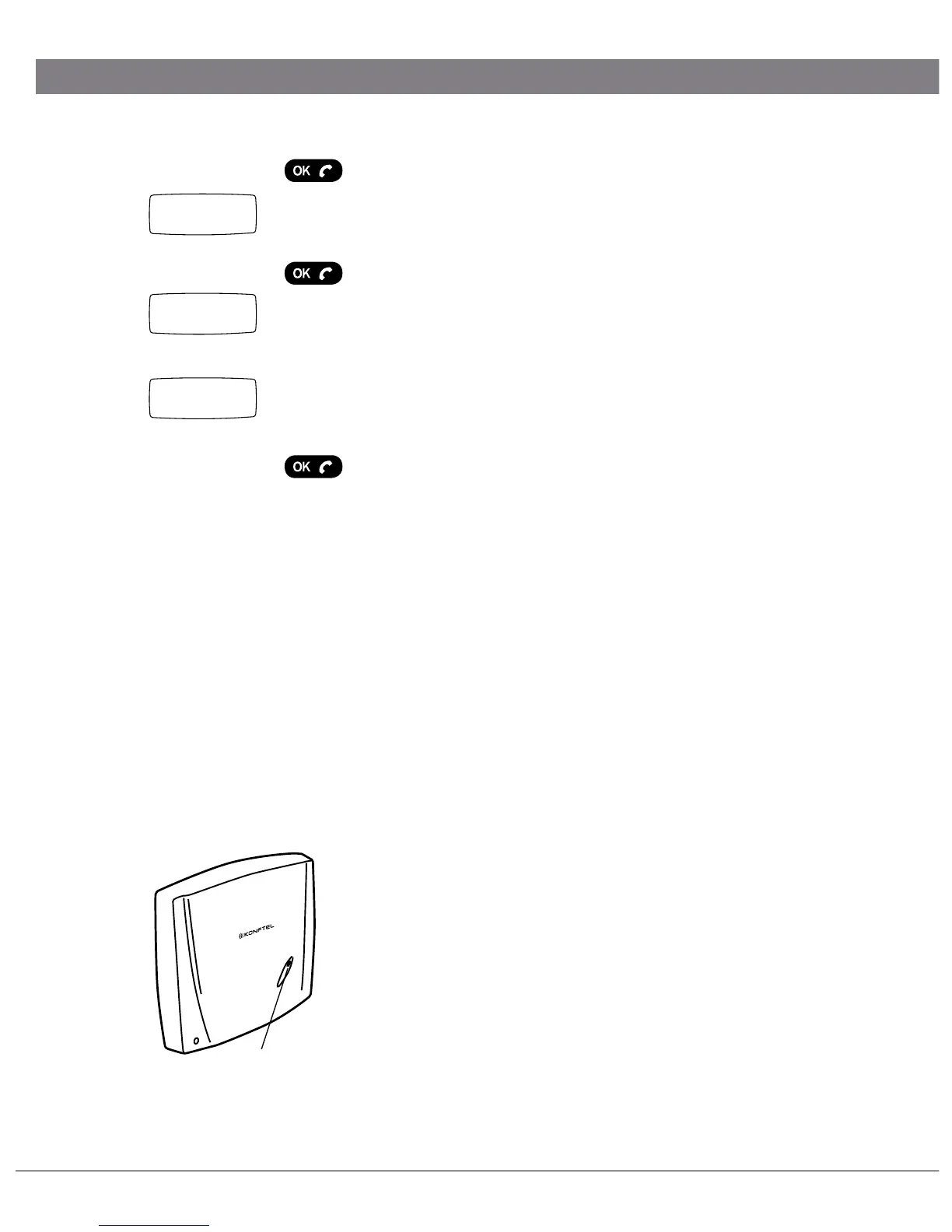
Briefly press the key/LED on the base station.
The base station is now in search mode and the blue
LED flashes slowly.
Localising the telephones.
Press one more time to escape search mode.
SETTINGS
0-9...
Done
Search
Key/LED
PIN:
****


 To Next Page