EasyManua.ls Logo

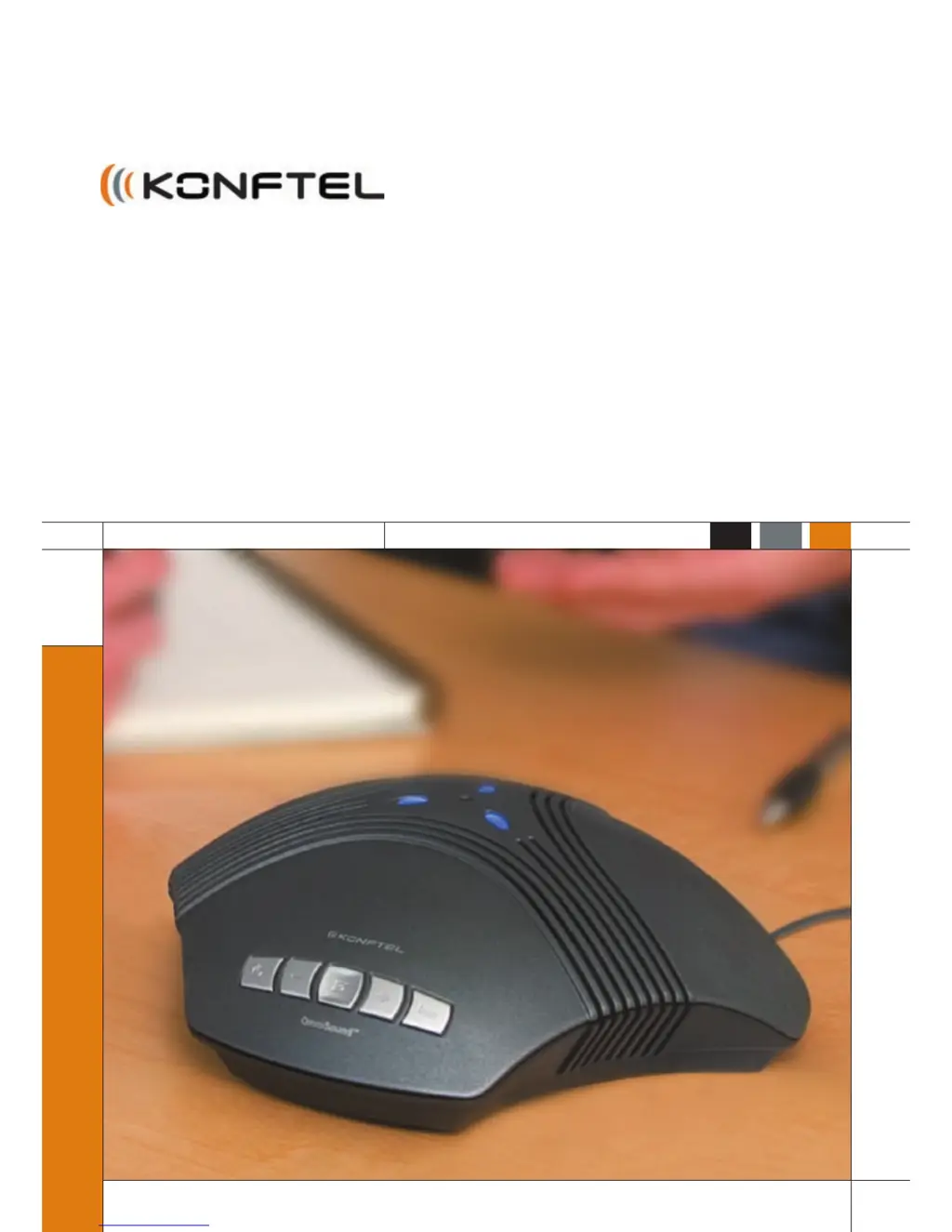
Konftel 60W - User Manual

Konftel 60W
38 pages
Print Icon
To Next Page IconTo Next Page
Loading...
Conference phones for every situation
US English
User Guide
Konftel 60W Conference Unit

Other manuals for Konftel 60W

Questions and Answers

  • C
    Candice McclureAug 10, 2025
    Why is the sound quality poor with my Konftel Conference Phone, and how do I fix the echo?
    • G
      Geoffrey WhiteAug 10, 2025
      If you experience poor sound quality or an echo with your Konftel Conference Phone, first ensure that the Konftel 60W is within the specified range for the telephone. Also, make sure the unit is placed flat on a table, away from walls or objects like lampshades and plants. Adjust the volume appropriately and consider whether the other party is using equipment that supports full duplex. You might also need to tune the Konftel 60W manually.
  • V
    Virginia GonzalesAug 16, 2025
    What to do if the LEDs are red on Konftel Conference Phone?
    • D
      ddayAug 16, 2025
      If the LEDs on your Konftel Conference Phone are red, it means the mute button is activated. To deactivate it, simply press the mute button.
  • L
    lanejillAug 22, 2025
    What to do if Konftel Conference Phone sound works on computer but not on Konftel 60W?
    • M
      Meghan TurnerAug 22, 2025
      If you can hear the call through your computer's headset or speakers but not through the Konftel 60W, ensure that your software and sound card support full duplex.
  • C
    claudia64Aug 27, 2025
    How to check the position of the selector switch on Konftel Conference Phone?
    • A
      Andrew HuntAug 27, 2025
      Make sure to select position I or II on the selector switch located at the bottom of the switchbox, depending on the system telephone to which you're connecting the Konftel 60W.
  • K
    Kristin BryantSep 2, 2025
    What to do if I have added extension cords to the Konftel Conference Phone system?
    • I
      isaac08Sep 3, 2025
      If you've added any extension cords to the system, remove them and reconnect to see if the Konftel Conference Phone system starts working correctly.

Summary

Description

Using Bluetooth

Adding and Managing Telephones

Instructions for pairing, retaining, and deleting Bluetooth telephones.

Call Operations

How to change ringtone, answer, make, during, and end calls using Bluetooth.

Using a System Telephone

Connecting and Settings

Connecting Konftel 60W to a system telephone using the switchbox.

System Telephone Call Operations

How to answer, make, transfer, and end calls with a system telephone.

Using a Computer

General Computer Use

Using Konftel 60W as a speaker and microphone for computer applications.

Checking Sound Unit in Windows

Configuring sound input/output and checking settings in Windows.

Other Connection Options

Troubleshooting

Connection Issues

Resolving issues related to Bluetooth and system telephone connections.

Sound Problems

Troubleshooting no sound or poor sound quality/echo issues.

Konftel 60W Specifications

General IconGeneral
ConnectivityUSB, Bluetooth, DECT
Weight1.2 kg
Product TypeConference Phone
Wireless TechnologyBluetooth, DECT
DECTYes
NFCYes
SpeakerphoneYes
HD VoiceYes
Power over Ethernet (PoE)No
Connectivity TechnologyWired and Wireless
Power supplyAC adapter, Battery

Related product manuals