2 sec
7
USING BLUETOOTH
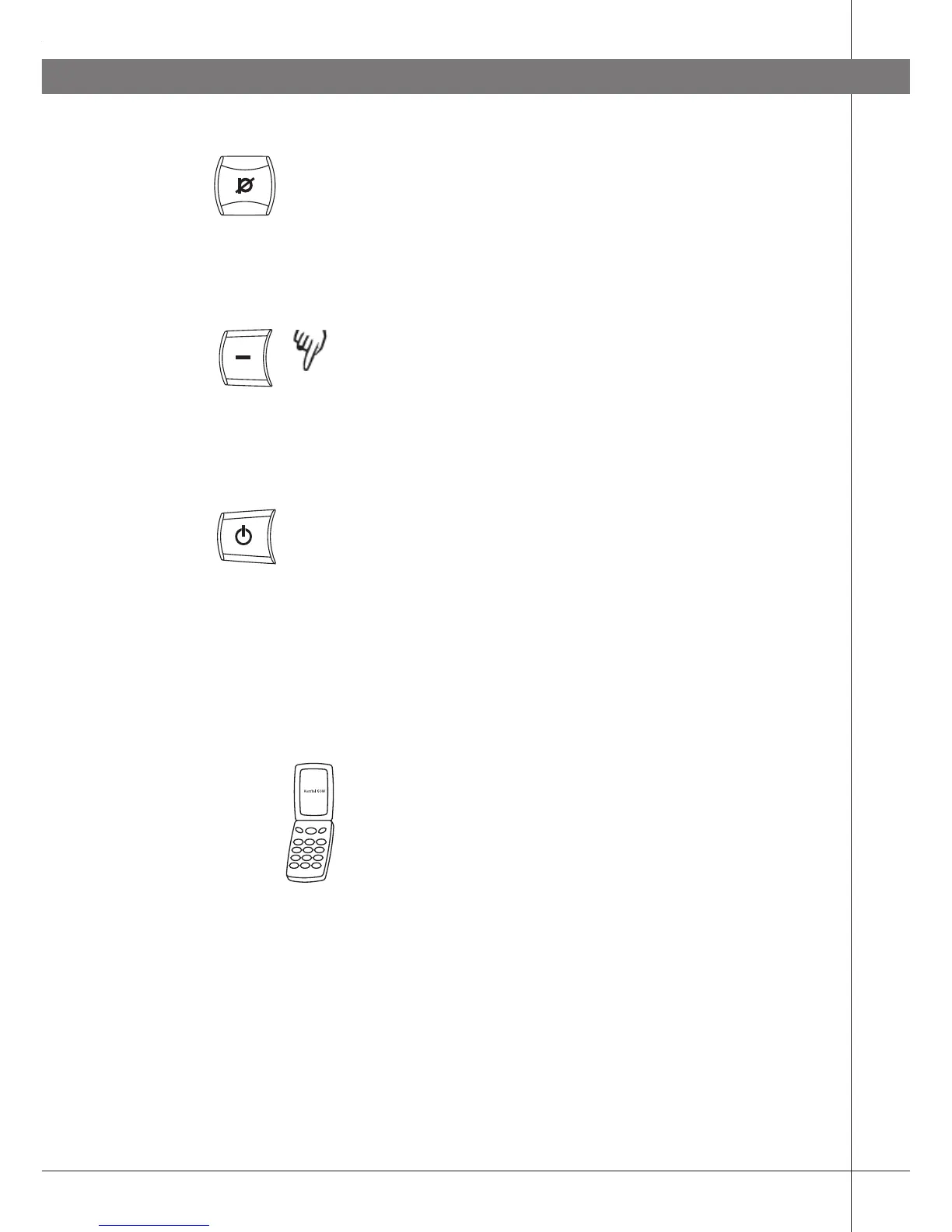
Press the mute button to conclude setting the
selected microphone volume.
Changing the ringtone
The LEDs start flashing when there is an incoming
call. You can also activate a ringtone in Konftel 60W.
Press and hold the – button for 2 seconds to
activate the ringtone for incoming calls.
Follow the same procedure to deactivate it again.
ANSWERING A CALL
Press the on/off button when Konftel 60W rings
(the LEDs flash).
The ring signal in the telephone may be heard before
it is heard in Konftel 60W. Wait until Konftel 60W
rings (the LEDs flash) before pressing the on/off
button.
MAKING A CALL
Make a call with your telephone in the normal way.
Transfer the call to Konftel 60W as per the
instructions in the telephone handbook.
If you have programmed Konftel 60W to function as
a telephone headset, the call is normally transferred
there automatically as long as the Bluetooth connec-
tion is activated.



 To Next Page