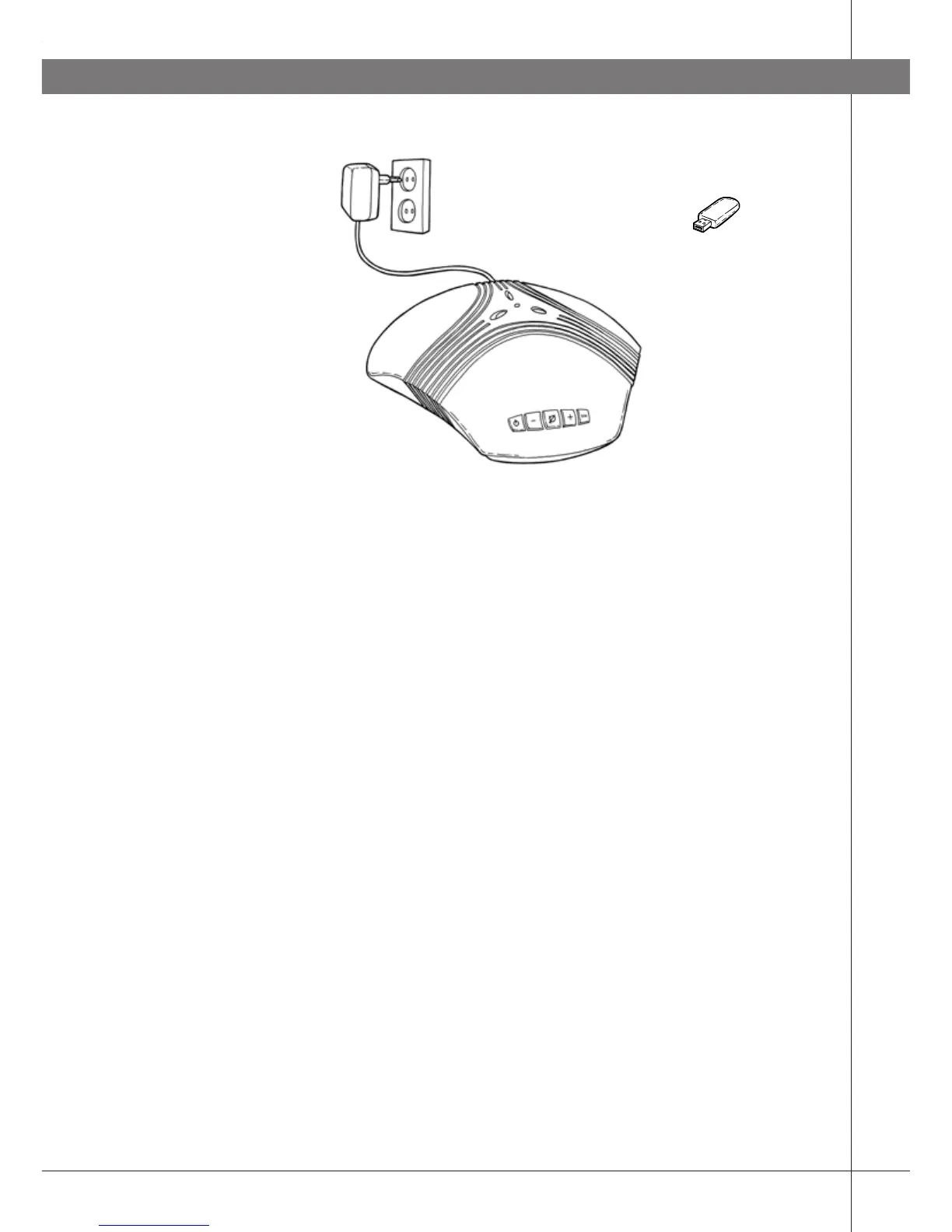
Plug adapter
USB Bluetooth adapter
connected to a USB
port on the computer
(Item no. 900102072)
Mains outlet 110 V
(230 V in Europe)
Connection cable electricity,
19 ft (6m)
21
OTHER CONNECTION OPTIONS
CONNECTING A COMPUTER USING
BLUETOOTH (ACCESSORY)
If the computer has a built-in Bluetooth or is
equipped with a USB Bluetooth adapter, it can be
connected wirelessly to Konftel 60W provided it is
within the range for Bluetooth.
Note that some computers and Bluetooth adapters do
not support headset functions and are only intended
for communication with mobile phones, hand-held
computers, mouses and keyboards. If possible, use
Konftel’s own adapter, sold as an accessory.
Plug Konftel 60W in using the power adapter as
shown in the picture.



 To Next Page