2 sec
and
5
Adding your telephone and retaining other
stored telephones
Konftel 60W can store up to eight telephones. If you
want to retain previous pairings and add a new one,
follow the instructions below. If you want to remove a
previous pairing, go to the next section.
If you store a ninth telephone, the telephone first
stored is automatically deleted.
Please note that Konftel 60W should not be switched
on when pairing.
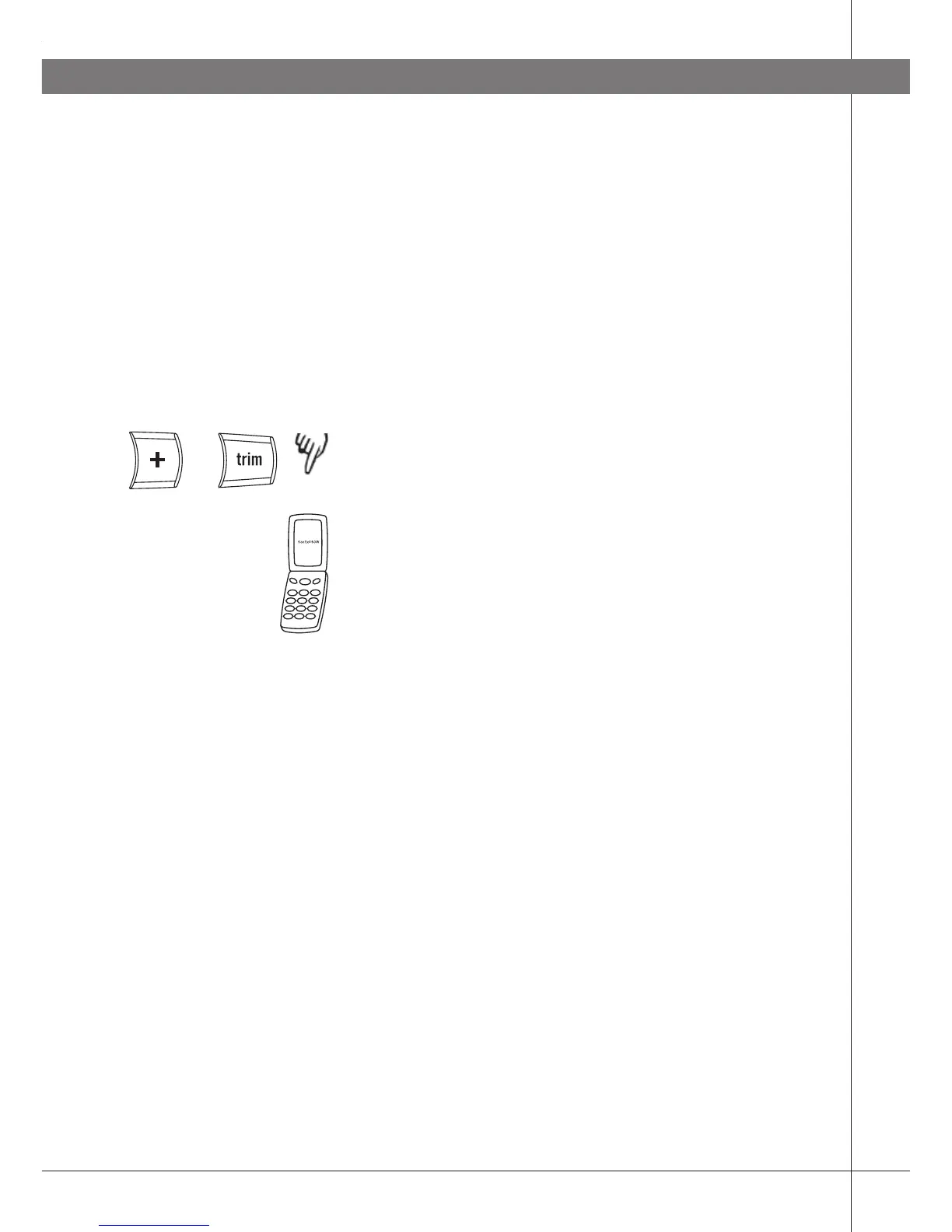
Press and hold the + and trim buttons for 2
seconds until the blue LEDs start flashing.
Follow the instructions in your telephone handbook
to add a new Bluetooth unit.
Select Konftel 60W from the list of units detected.
Enter the password 0000.
If the pairing was successful, a short audible signal
will be heard and the LEDs will stop flashing.
Please note that Konftel 60W is normally added as
a headset. This will not work for certain telephones
(Konftel 60W is not displayed as an available
Bluetooth unit on the telephone). You can then choose
instead to add Konftel 60W as a handsfree unit by
pressing and holding the button for 4 seconds instead
of 2 in the display. The blue LEDs then start flashing
more slowly.
USING BLUETOOTH



 To Next Page