SETTINGS
SHOWING STATUS
Use this option to check the ID number of either the conference unit or base sta-
tion. This information can be useful in an installation with many units.
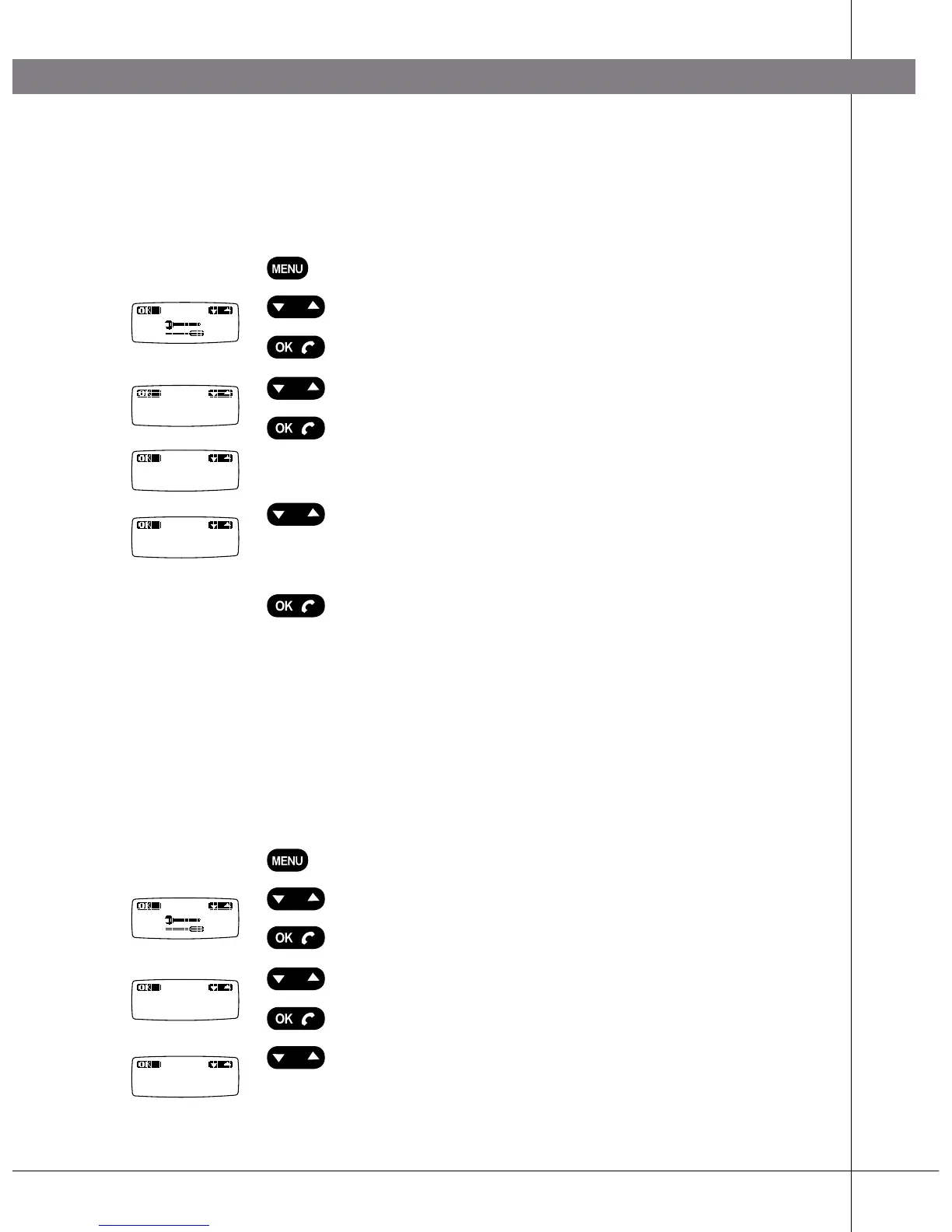
Press the MENU key.
Select “Tools” using the Up/down key.
Press OK.
Select the menu Status using the Up/downkey.
Press OK.
The ID number (RFPI, PARK) of the current base
station appears in the display.
Press the Up/down key.
The ID number (IPEI, HS no.) of the conference
phone appears in the display.
Press OK to return to the menu.
DEREGISTERING A PHONE
This only applies to a Konftel DECT base station.
Seven telephones (handsets or Konftel 200W) can be registered with a Konftel
DECT base station. Use this option to deregister (remove) a telephone from the
base station. Note! You cannot deregister the unit that you are using for deregister-
ing, i.e. Konftel 200W cannot deregister itself.
Press the MENU key.
Select “Tools” using the Up/down key.
Press OK.
Select the menu Dereg using the Up/downkey.
Press OK.
Select the handset you want to deregister using the
Up/down key. (The unit you are using is marked with
a tick.)
Status
PARK
0412151105
IPEI:
0412150005
Dereg
Handset 2


 To Next Page