REGISTRATION
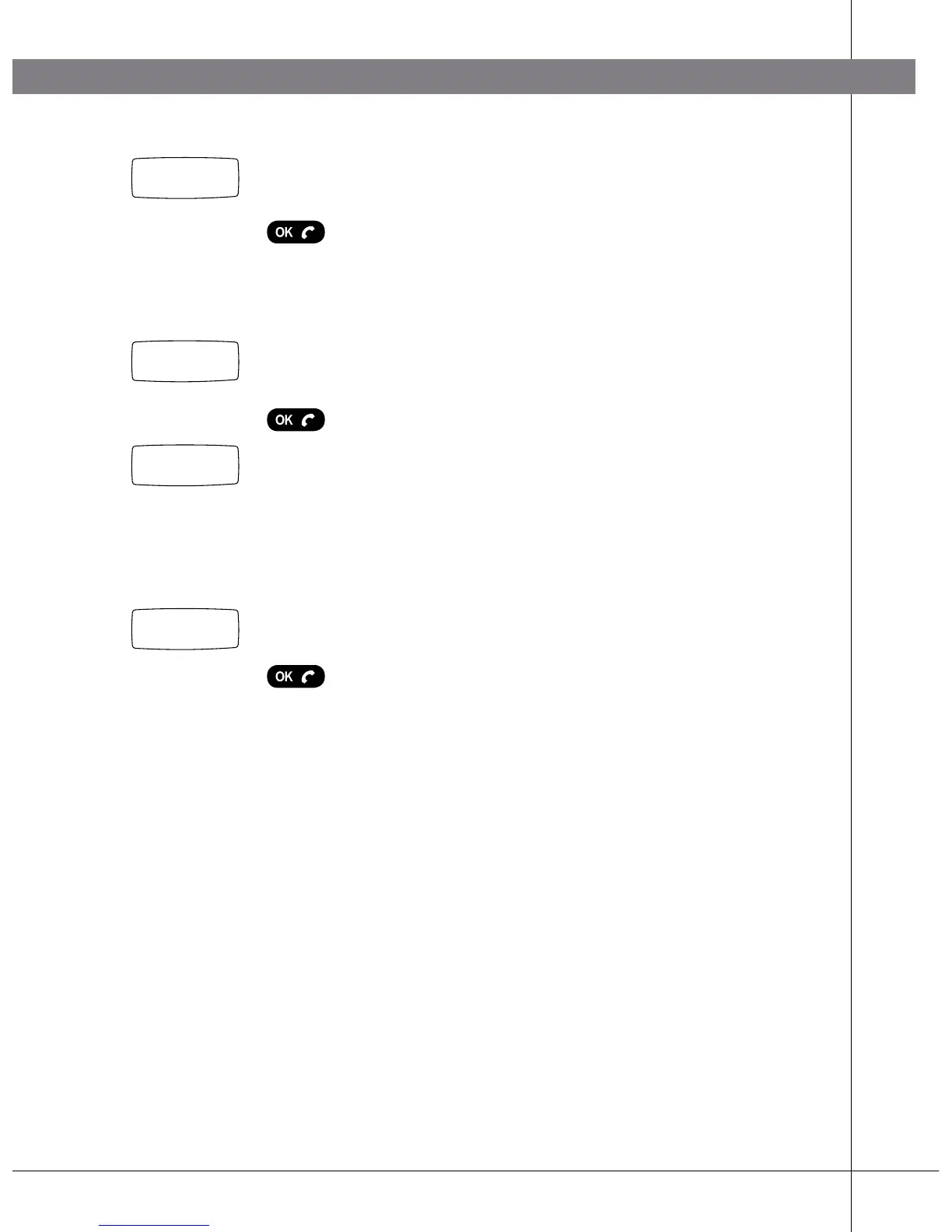
Enter the security code (PIN code) (standard code is
0000).
Press OK.
Some DECT systems (not Konftel DECT Base Station)
require a PARK code. Check with your company’s
switchboard supplier.
Enter the PARK code if this is required. Otherwise,
leave blank.
Press OK.
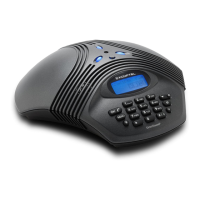
Your Konftel 200W is now in registration mode and is
searching for a base station in registration mode.
Wait until you receive confirmation that registration has
been completed. (The base station has to be in registra-
tion mode.) Registration can be interrupted by pressing
C.
If registration was successful, the word Done will appear
in the display.
Press OK.
The Konftel 200W is now ready to use. Please see page
14 for other menu options and settings.
If registration was not successful
If registration was not successful, the word Fail will
appear in the display.
Possible reasons for this:
• Incorrect security code (check with your company’s
switchboard administrator)
• Incorrect or missing PARK code (check with your
company’s switchboard administrator)
• No base station within range or not activated in
registration mode
0-9...
Done
Search
PARK:
PIN:
****


 To Next Page