9
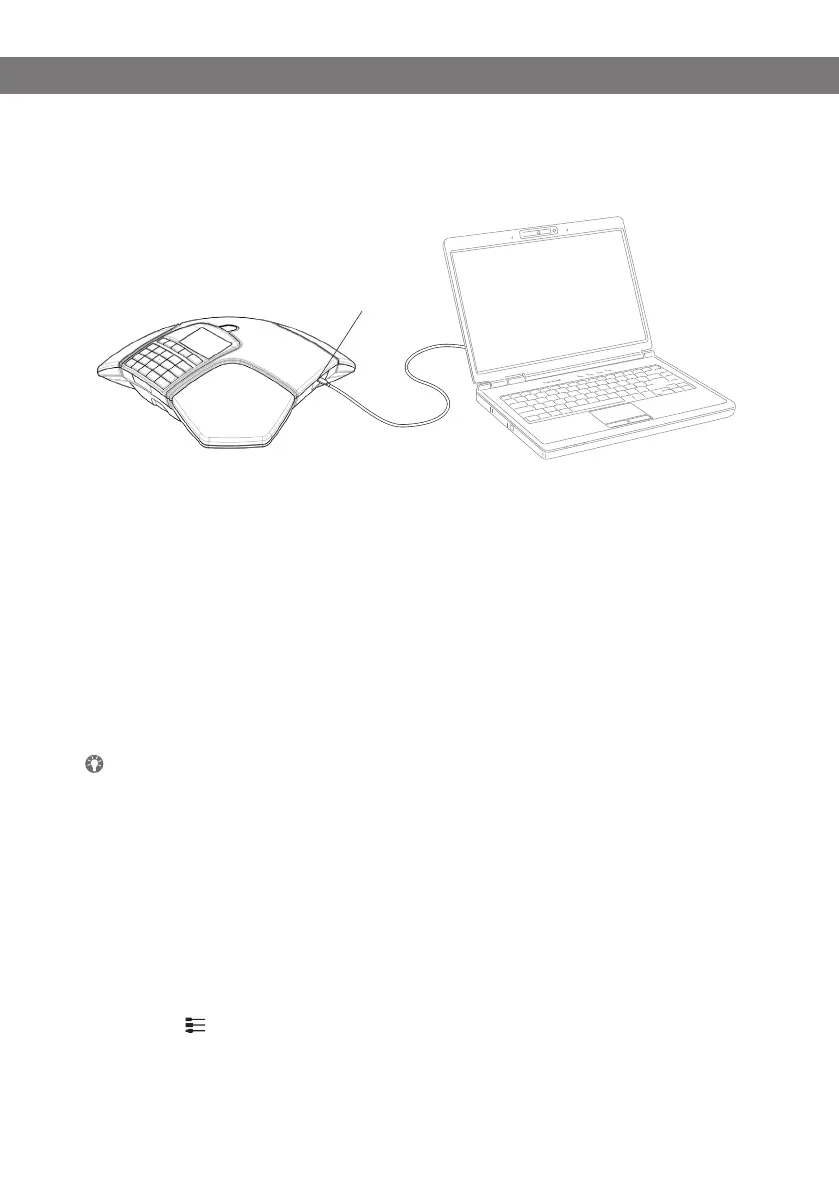
Mini USB port for
PC connection
CONNECTION TO A PC
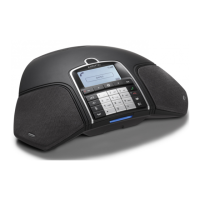
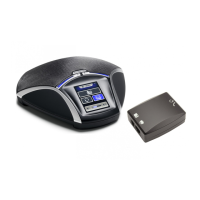
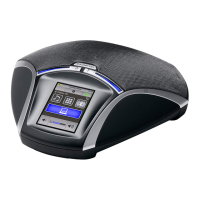
Connect the Konftel 300Mx to a computer using the USB cable provided.
Check that Konftel 300Mx USB Audio is selected as the sound unit in the computer’s
settings.
Use as a conference unit
When connected to a PC, the Konftel 300Mx functions as a conference unit for VoIP calls,
which means that speakers and microphones are activated, as is advanced sound manage-
ment in OmniSound
®
HD.
VoIP (Voice over IP) calls are transmitted as data packets over the network/Internet. For calls
via PCs, you need VoIP software (e.g. Microsoft
®
Lync
®
or Skype
®
) or a service for web mee-
tings whereby several users can communicate and share documents via their web browser or
special client software.
Some VoIP software has automatic adjustment of microphone and speaker levels as
standard. In certain situations this can produce a pulsating sound or cause problems
with full duplex. In such cases, switch off the automatic level regulation if possible, and
set the software manually to a suitable microphone level, allowing Konftel 300Mx to
manage sound processing.
BRIDGE CONNECTION
As default, the sound via the mobile network and USB is bridge-connected. It is possible
to turn off the bridging if you do not want any sound from the computer to be heard during
mobile calls.
Press the button.
Select bridging to be ENABLED or DISABLED and conrm by pressing OK.
GENERAL


 To Next Page