Page 6 of 7
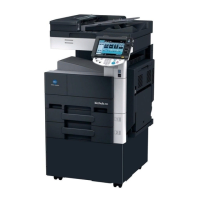
Konica Minolta 363
Quick Guide
North Idaho College - IT Help Desk
Location: Siebert 101 ~ Phone: (208) 769-3280 ~ Email: helpdesk@nic.edu
Konica – Scanning
To scan:
Ensure the Fax/Scan button is pressed and is green.
Choose your department Scan folder*, then press Start on the keypad.
*If you have the scan to email option, choose your email address listed by your first name, then press start.


 To Next Page
 Loading...