Page 7 of 7
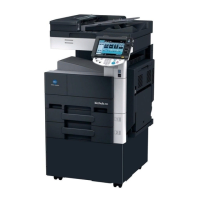
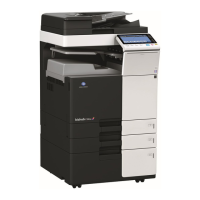
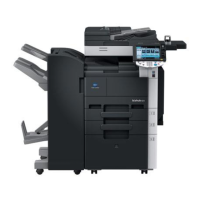
Konica Minolta 363
Quick Guide
North Idaho College - IT Help Desk
Location: Siebert 101 ~ Phone: (208) 769-3280 ~ Email: helpdesk@nic.edu
To change scan settings:
From the main Scan screen, press Scan Settings
Choose to change: default document name, duplex settings, resolution, density, color, etc. When finished,
press OK







 To Previous Page