EN-68
Item Functional Description
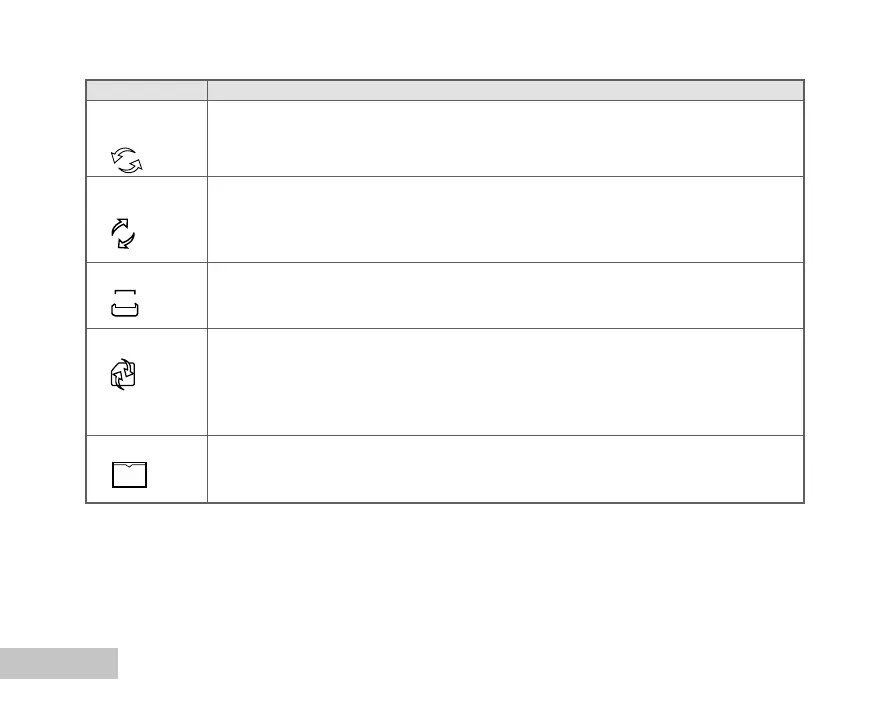
SET TO Returns all basic settings to the digital camera’s default settings. The time/language
DEFAULT setting will not be reset.
* YES / NO
RESET Set whether or not to reset the file number when you take photographs. This
NUMBER creates a new folder. The captured images are recorded to the newly created
folder from number 0001.
* YES / NO
DATE IMPRINT The date of recording can be printed directly on the still images. This function
must be activated before the image is captured.
* ON / OFF
FORMAT Erases all images and reformats the SD card loaded in your camera. Protected
images are also erased. SD card cannot be formatted if it is write-protected.
Refer to the section in this manual titled “Formatting an SD Memory Card or Internal
Memory” for further details.
* YES / NO
QUICK VIEW Set to display a photographed image on LCD monitor immediately after you
have taken the shot.
* ON / OFF
D
1
DATE
QUICK
VIEW















 To Next Page