EN-69
Item Functional Description
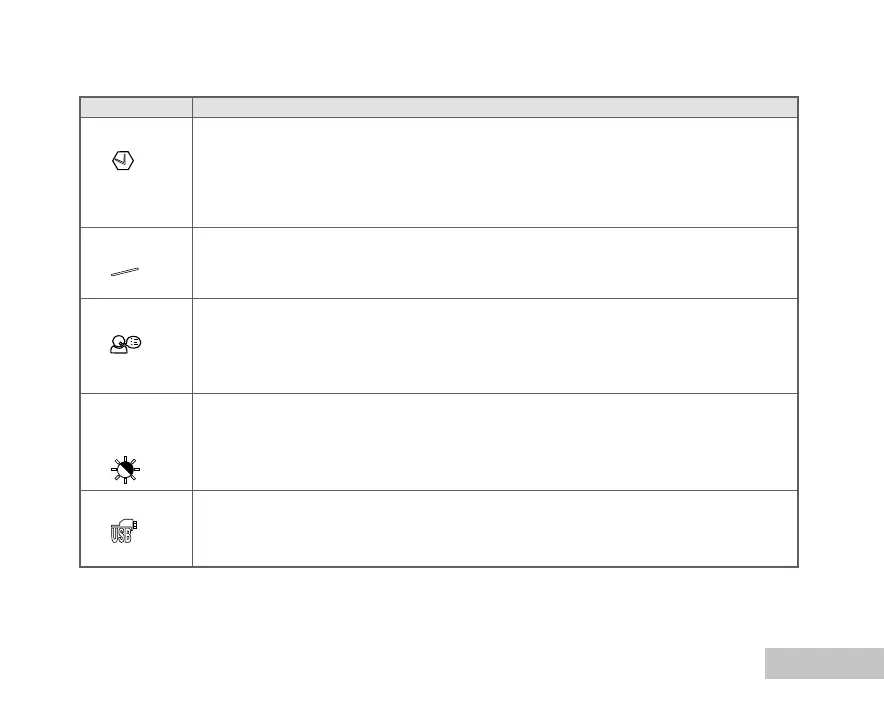
DATE & TIME This sets the date and the time.
Refer to the section in this manual titled “Setting the Date and Time” for further details.
* Y/M/D
* D/M/Y
* M/D/Y
TV Sets video output system of the video equipment that you are going to connect
to the camera.
* PAL / NTSC
LANGUAGE Sets the language that is displayed on the LCD monitor.
Refer to the section in this manual titled “Choosing the Screen Language” for
further details.
LCD This sets the brightness of the LCD monitor.
BRIGHTNESS The adjustment range is from -5 to +5.
USB Select to choose one of the following modes for further settings.
* PC / PICTBRIDGE / PC CAM.
Y/M/D
NTSC
PAL
CUSTOM settings















 To Next Page