89
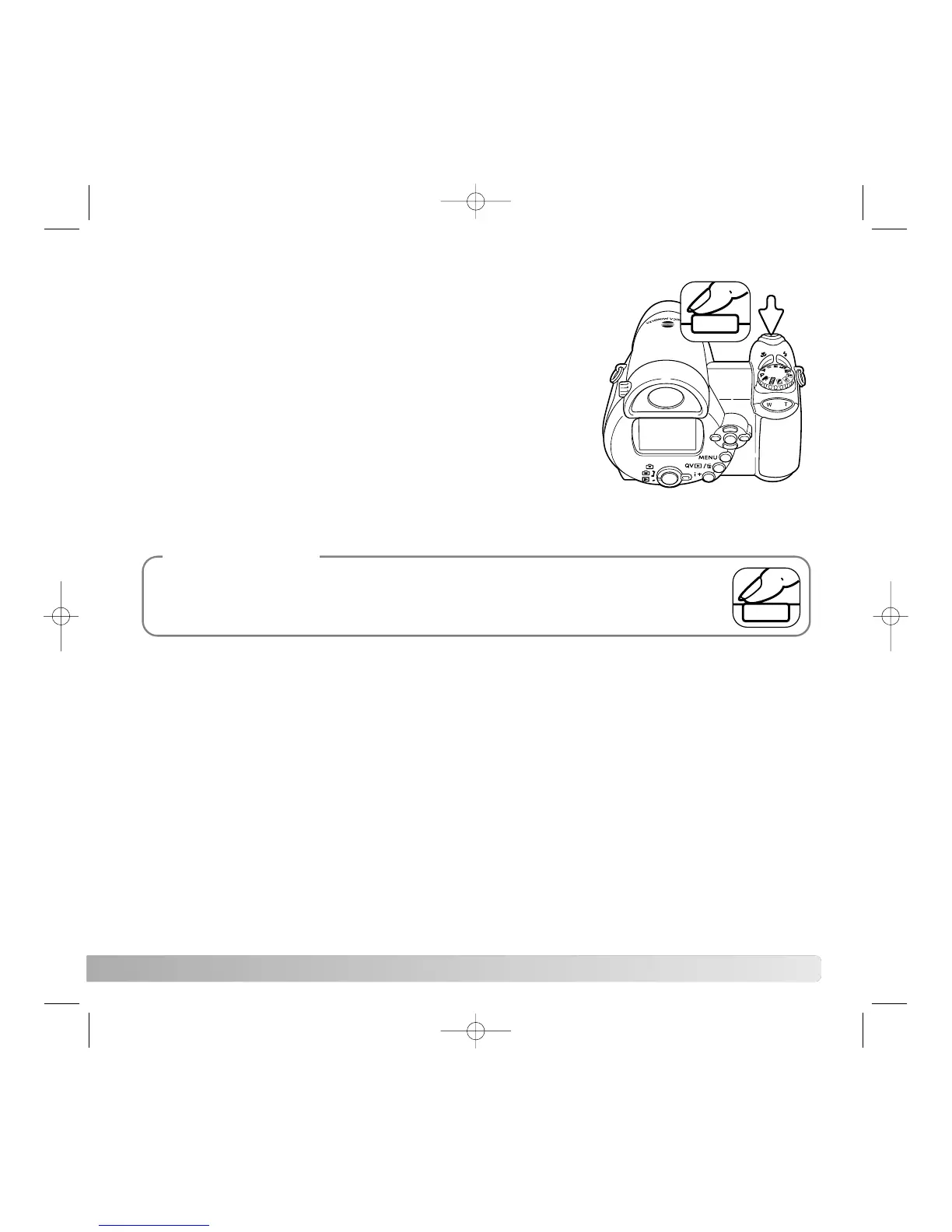
An image can be displayed on the monitor after it is
captured. When used with the continuous-advance or
progressive-capture drive modes (p. 47, 48), the images in
the series are played back in a six-frame index display.
Instant playback is activated section 1 of the setup menu (p.
87). A playback period of two or ten seconds can be
selected. To cancel the playback and save the image before
the end of the playback period, press the shutter-release
button partway down.
INSTANT PLAYBACK
Single still images can be previewed immediately after being captured without instant
playback active. Simply continue to hold the shutter-release button down after taking
the picture to display the image. Release the shutter button to end the playback.
Camera Notes



 To Next Page
 Loading...










