Presentation
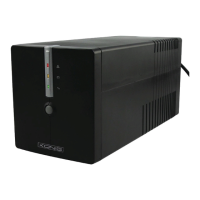
LCD INDICATOR STATUS
1. OUTPUT VOLTAGE Shows the output voltage
2. BATTERY CAPACITY Battery capacity indicator
3. NORMAL Utility power in normal condition.
4. OVERLOAD UPS overload. The buzzer emits continuous alarm for 30 seconds.
5. BATTERY UPS transfer to backup or battery test mode.
The buzzer emits alarm every four seconds.
6. POWER SWITCH Power on-off/*Battery test and buzzer on-off.
7. OUTPUT SOCKET Connect with load equipment.
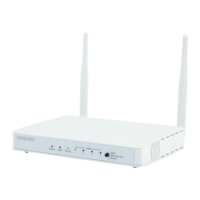
8. OUTPUT PHONE JACK Connect to the Tel/Fax/Modem by another phone line.
9. INPUT PHONE JACK Insert the phone line into the jack.
10. INPUT POWER CORD Connect to the AC Power
11. FUSE SET Built-in fuse avoid damaged by short circuit or overload.
12. RS-232 INTERFACE PORT A connector to monitor the running status of the UPS (optional).



 To Next Page