15
5. Option
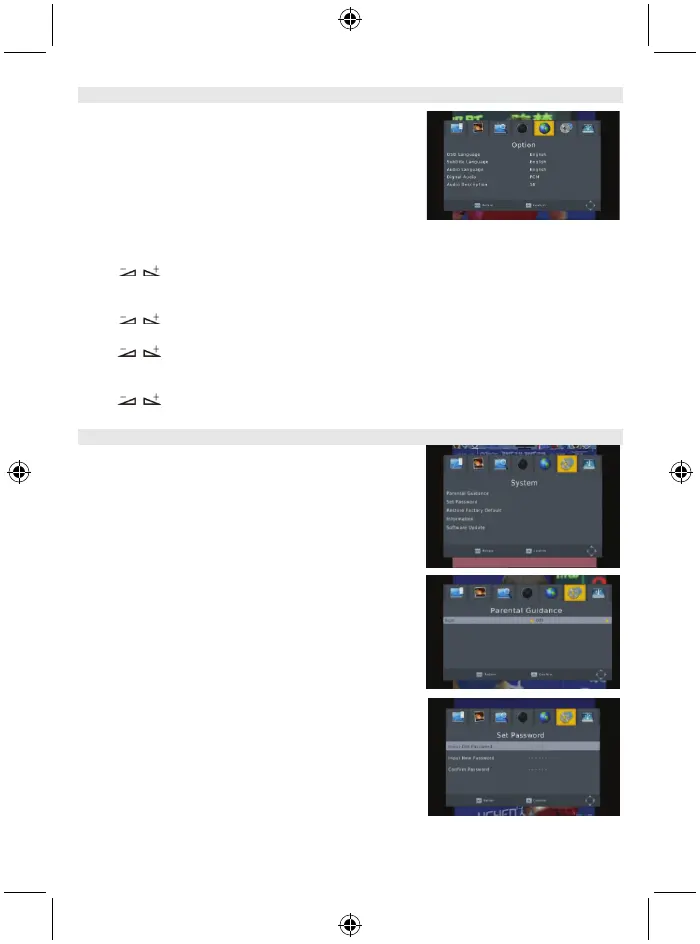
There are 5 sub-menus in this menu
- OSD Language
- Subtitle Language
- Audio Language
- Digital Audio
- Audio Description
5.1 OSD language
Press keys to select the language in the circle.
5.2 Subtitle language
Press keys to select the language in the circle.
5.3 Audio language
Press keys to select the language in the circle.
5.4 Digital audio
Press keys to select among PCM/, RAW/HDMI RAW, RAW/HDMI PCM and Off.
6. System
There are 5 sub-menus in this menu.
- Parental Guidance
- Set Password
- Restore Factory Default
- Information
- Software update
6.1 Parental guidance
The consumer can select an age from 4-18 or Off.
6.2 Set password
Input the old password: Input the password by pressing the
number keys 0-9.
Input the new password: Input the password by pressing
the number keys 0-9.
Confirm the new password: Press the number keys 0-9 to
input the new password again.
Note: The default password is: 000000. Please record your
new password. If your new password is lost, please contact
your service provider.



 To Next Page