Page 12
This is the name of the Document
2.2 Install on additional computers
Before you start
Make sure you have completed ‘Initial installation’ (chapter 2.1) before you start to
install your Koobrick Boxi on additional computers.
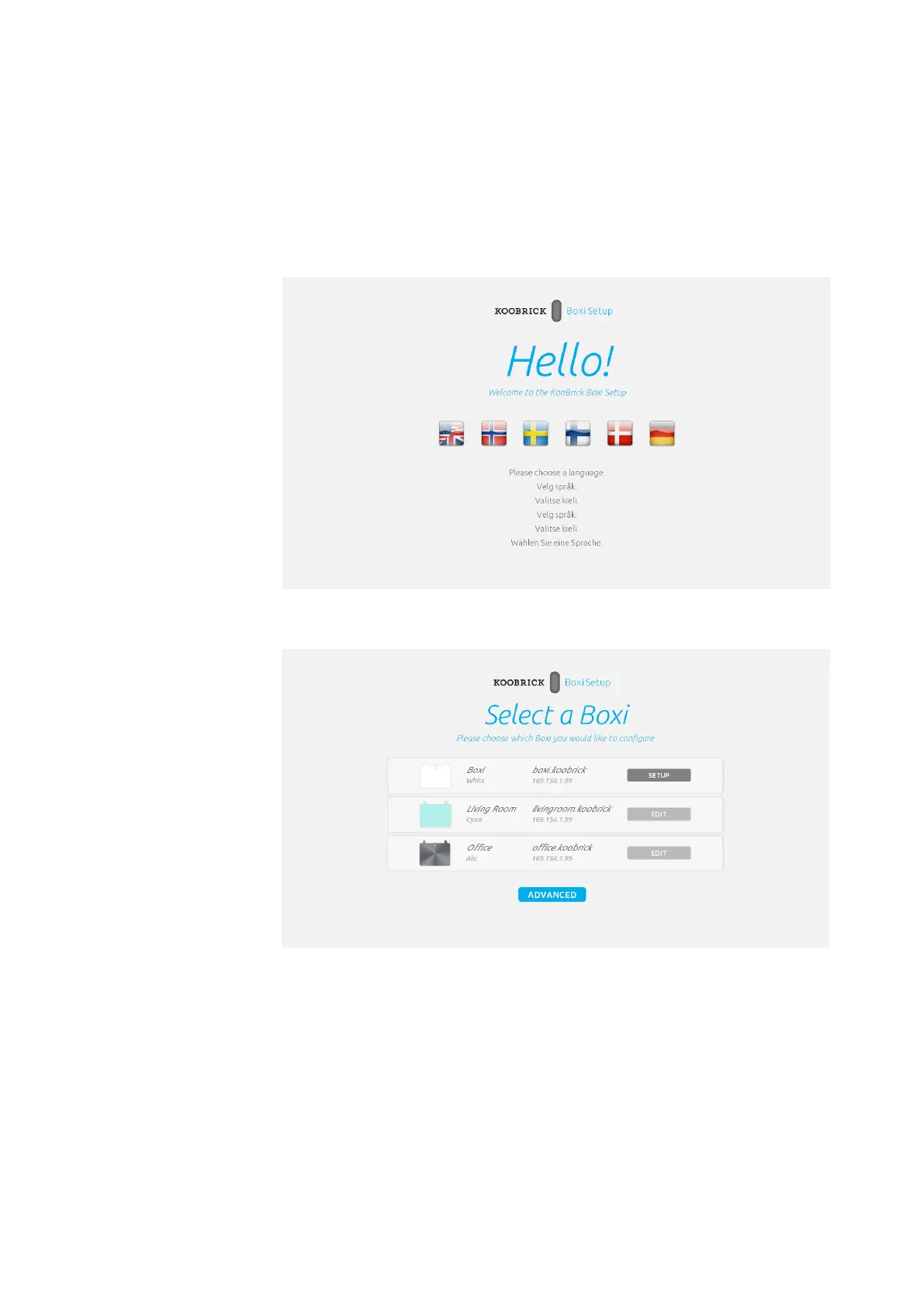
1. Insert enclosed CD into your computer and wait for Boxi installer to start.
2. Select desired language.
3. Select your Koobrick Boxi and click SETUP
Boxi User Manual
Version 1.0
In this step we choose
which Koobrick Boxi we
want to configure. Later
on we can use this screen
to edit Boxi’s we’ve al-
ready configure before.



 To Next Page