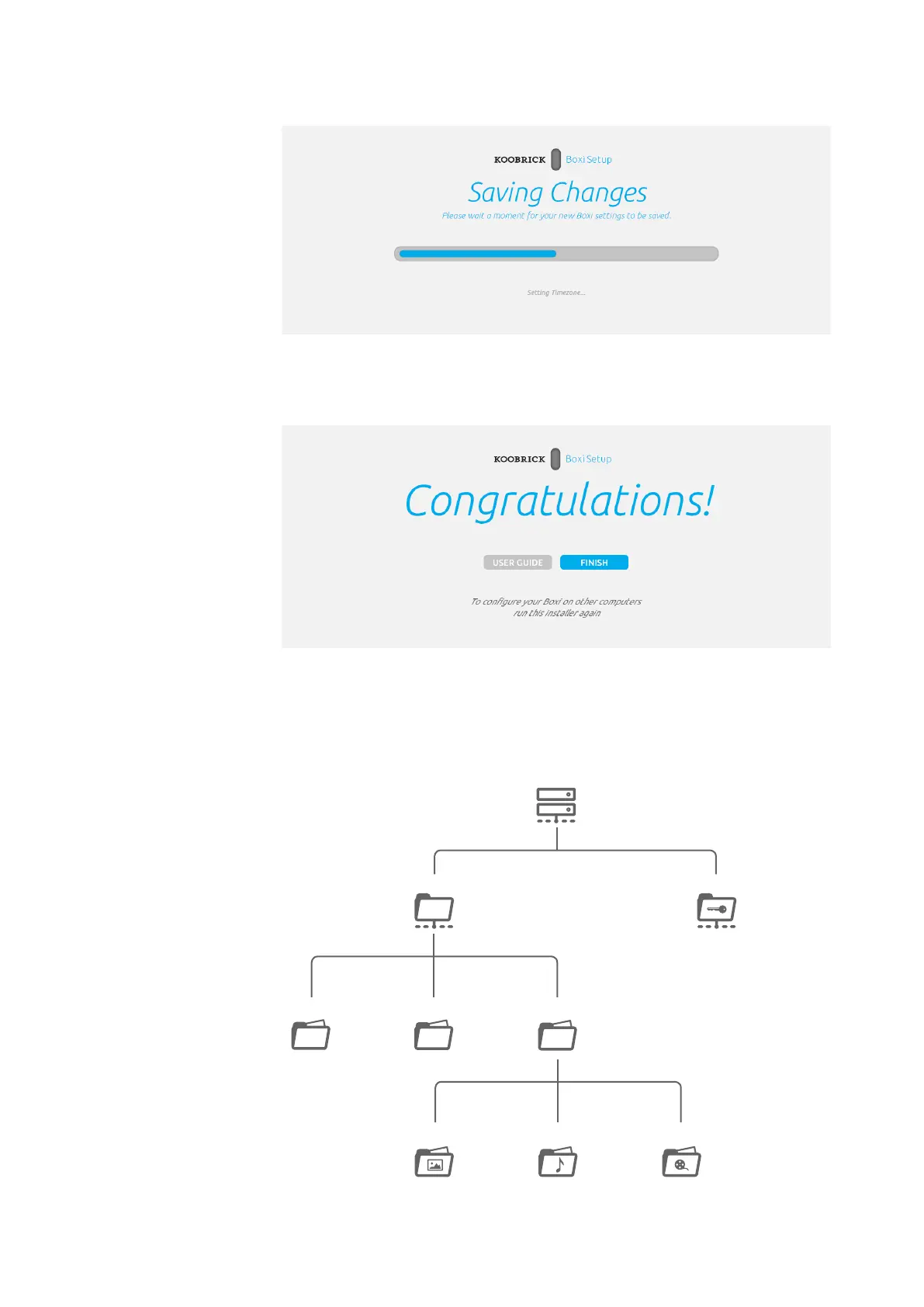
8. Koobrick Boxi will save all the settings now. Please wait...
9. Your Koobrick Boxi is now ready for use. Click FINISH
To enable additional computers to access Koobrick Boxi run this installer again.
If you now click “My computer” on your desktop you will see the new network drives
added in wizard. Below is a typical Shared folders structure created automatically.
Page 11
This is the name of the Document
Boxi User Manual
Version 1.0
WE NEED TEXT here.
explaining what is cre-
ated automatically for
user - like public,private
shared folders etc...
Public
Media
Image
Music Video
DownloadBackup
Boxi
Storage
Private



 To Next Page