22
ERROR INDICATOR
a) Ambient temp sensor breakdown Display “E1” in digital window.
b) The machine is not making ice or display window is reading as “E2.”
c) Magnetic control switch cutoff----“Full” light will be on when plugging on or just turning on the unit.
It will delete the breakdown display if this switch is electrically shorted.
d) During the ice making process, press the “ON/OFF” button for more than 5 seconds. The unit will
start to enter the ice harvesting program. After this program is complete, the unit will continue to
enter the ice making process again.
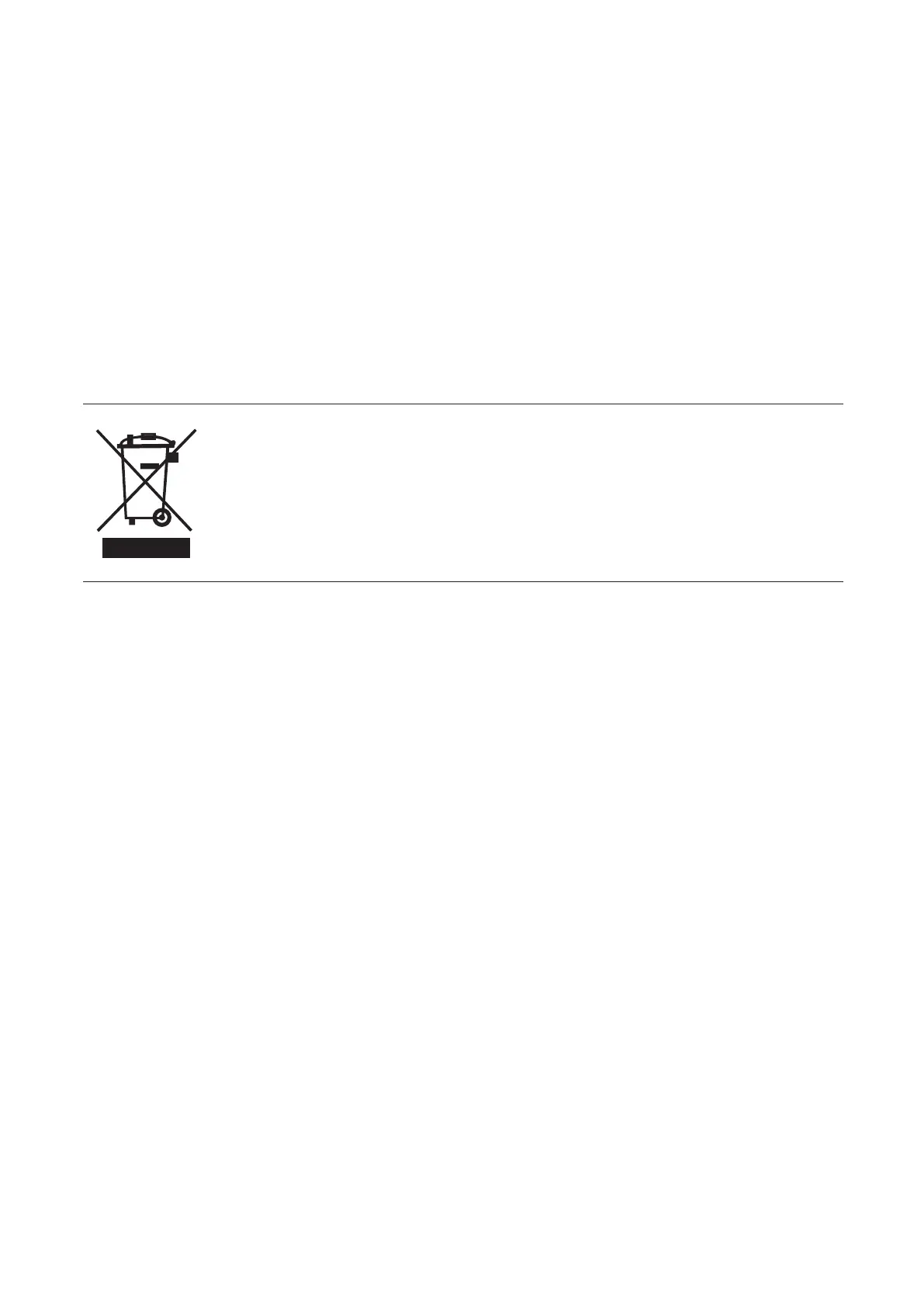
CORRECT DISPOSAL OF THIS PRODUCT
This marking indicates that this product should not be disposed with other
household wastes throughout the EU. To prevent possible harm to the environment
or human health from uncontrolled waste disposal, recycle it responsibly to
promote the sustainable reuse of material resources. To return your used device,
please use the return and collection systems or contact the retailer where the
product was purchased. They can take this product for environmentally safe
recycling.


 To Next Page