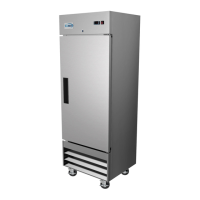
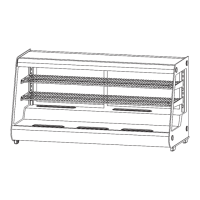
2. Verify the contents by counting the included accessories. Compare the items you have to the
contents listed in the packing list. Should you find any discrepancies or missing items, make sure
to contact the after-sales service as soon as possible.
3. When setting up the refrigerator, ensure there's a space of at least 10 cm surrounding it. This
gap promotes adequate ventilation and aids in dissipating heat, ensuring efficient performance.
4. Check and adjust the refrigerator's feet. Proper adjustment ensures that the appliance remains
stable and doesn't move or wobble during its operation.
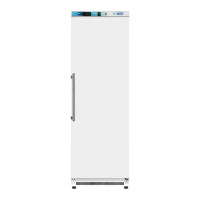
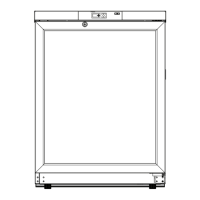
5. Next, focus on the door handle. Retrieve the accessory bag, which contains the handle and
screws. Attach the handle to the door using either a standard or electric screwdriver, aligning it with
the pre-drilled mounting hole on the door's side. Once attached, place the screw cover in position to
conceal the screws.
6. Additionally, locate the back bracket inside the pharmacy refrigerator. Securely fix this bracket
to the appliance's back plate using the provided screws.
Warning:
Safety first: Be cautious with the appliance's plastic bags. Always place them out of children's
reach to prevent the risk of suffocation accidents.


 To Next Page