. CLEANING AND MAINTENANCE
NOTES:
Always ensure that the plug of the power cable is unplugged from the power socket before cleaning and
maintaining the dehumidifier. Clean the dehumidifier at least every fortnight during periods of heavy use.
When cleaning the water tank, do not disassemble the tank float under any circumstances!
If the appliance is not used for extended periods of time:
1. Empty the water in the tank, clean the water tank and reinstall it as explained above.
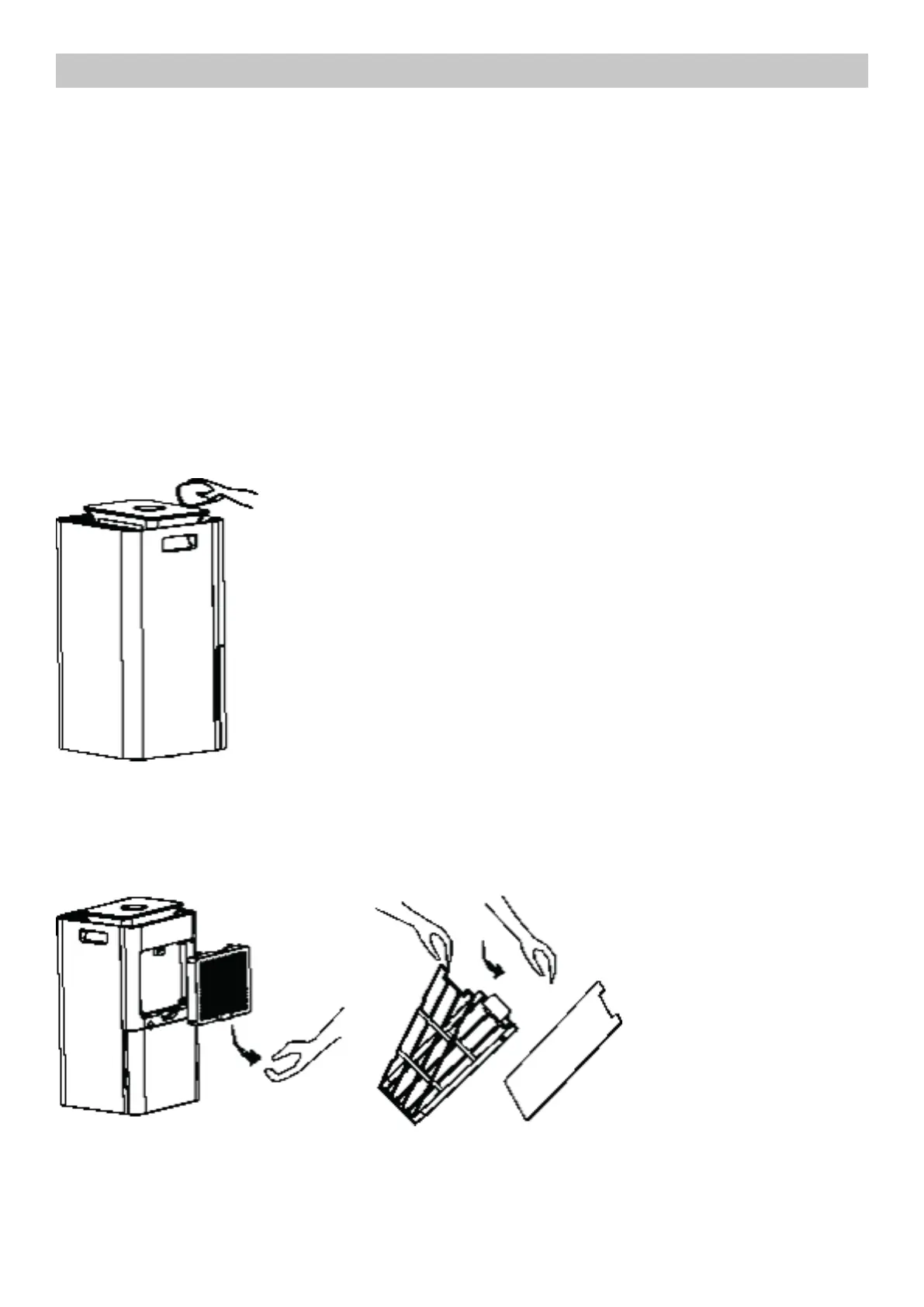
2. Clean the dust filter on the back of the appliance (appliance body can be removed using the handle).
3. Store the unit in an upright position, protected from dust and direct sunlight.
Please place the machine unit in an upright position to avoid incorrect operaion and unusual sounds.
Cleaning the appliance body
Clean the dehumidifier body only with a slightly damp cloth. Do not immerse the body of the unit in water or use
detergents and/or solvents for cleaning.
Cleaning the dust filter mesh
The dehumidifying capacity may be reduced when the filter mesh is clogged with dust. To clean the filter net, use
a soft-bristled brush to remove most of the dust, then finish cleaning with soap and water. Rinse thoroughly and
wait until completely dry before reassembling the filter mesh.



 To Next Page