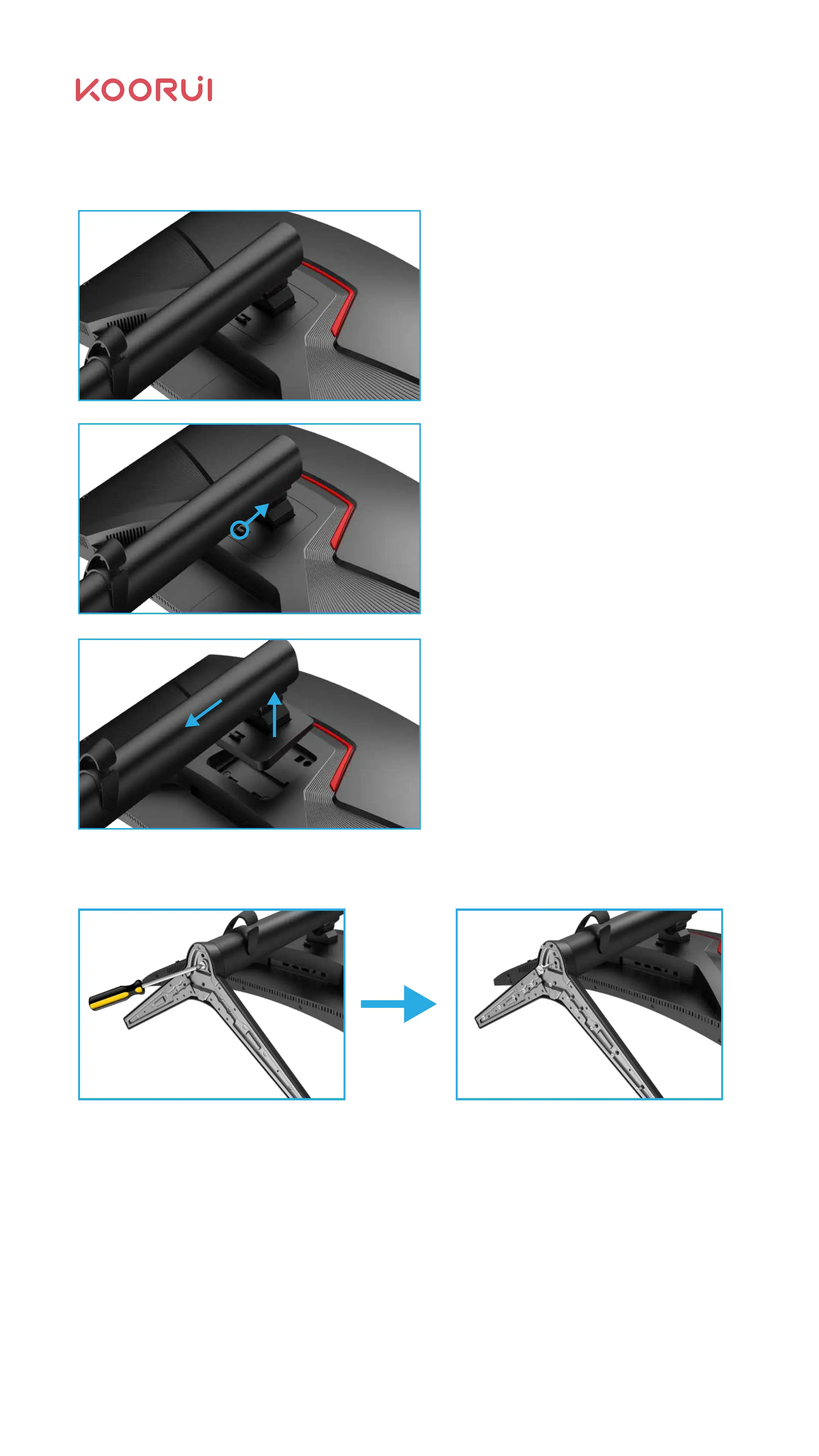
As shown, turn the screw in the direction of the arrow to remove the bracket neck
from the bracket base.
2.3.2 Removal of the monitor bracket
Place the foamed polystyrene (Mat)
in the package on the floor and place
the product face down on the foamed
polystyrene as shown. If you don't
have styrofoam, use a thick cushion.
Push the base hook.
One hand holds the lower part of
the monitor, the other hand in the
direction of the arrow drawing
bracket.
07



 To Next Page