Operation
27
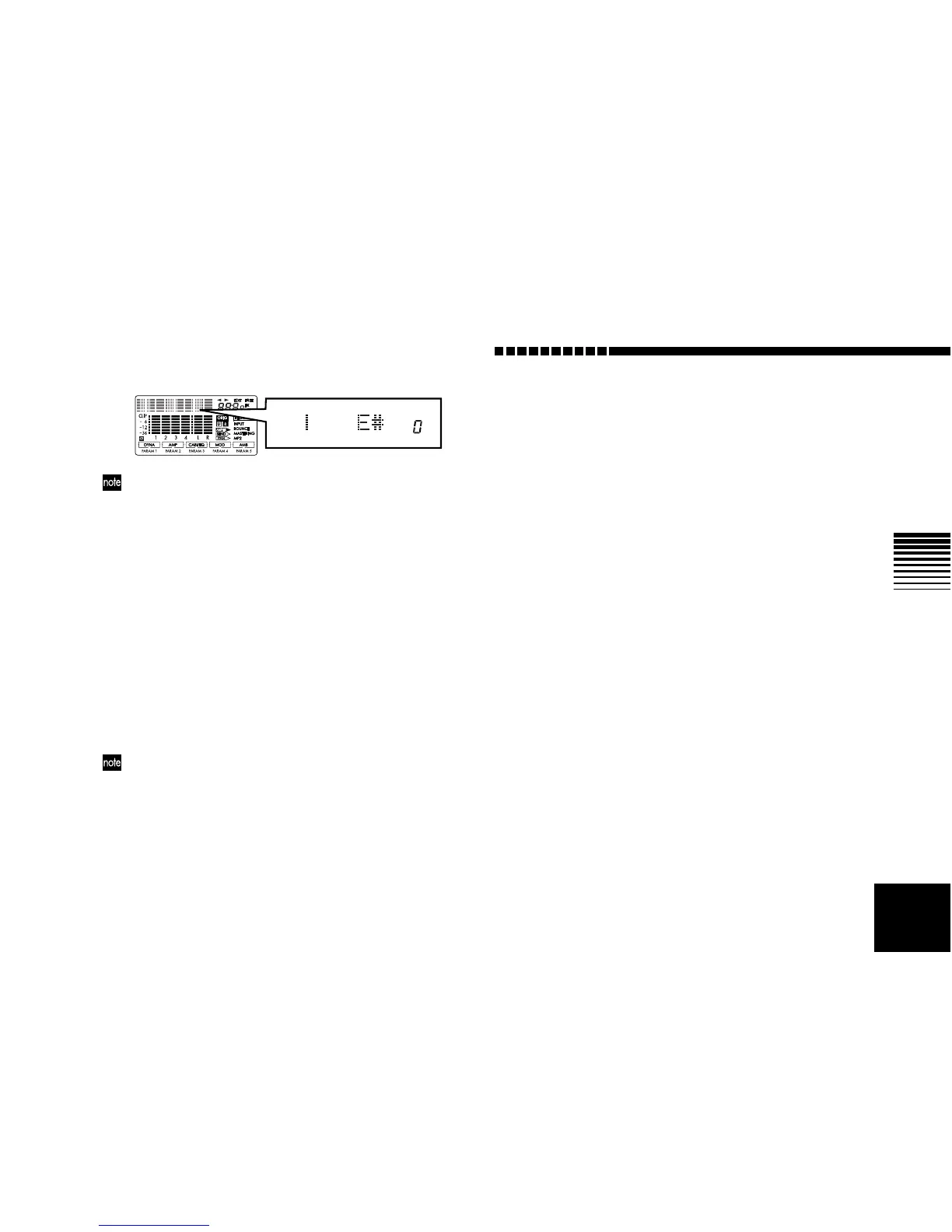
When the tuning is correct
If you do not want the sound to be heard while tuning, set
the [MASTER] fader to 0.
5 Exit Tuner mode.
Press the [EXIT] key to exit Tuner mode.
Tuning your acoustic guitar
Here’s how you can use the D4’s internal mic to tune your
acoustic guitar.
1 Select the internal mic.
Set the [INPUT 2] switch to (MIC) INT.
2 Enter Tuner mode.
Press the TRACK ASSIGN [1] key and [2] key simulta-
neously.
3 Select the input.
Press the TRACK ASSIGN [2] key. The [INPUT 2] jack
will be selected, and its LED will blink.
If the input level is too low, adjust the INPUT LEVEL [2]
knob.
4 Tune your instrument.
5 Exit Tuner mode.
Press the [EXIT] key to exit Tuner mode.



 To Next Page