EasyManua.ls Logo

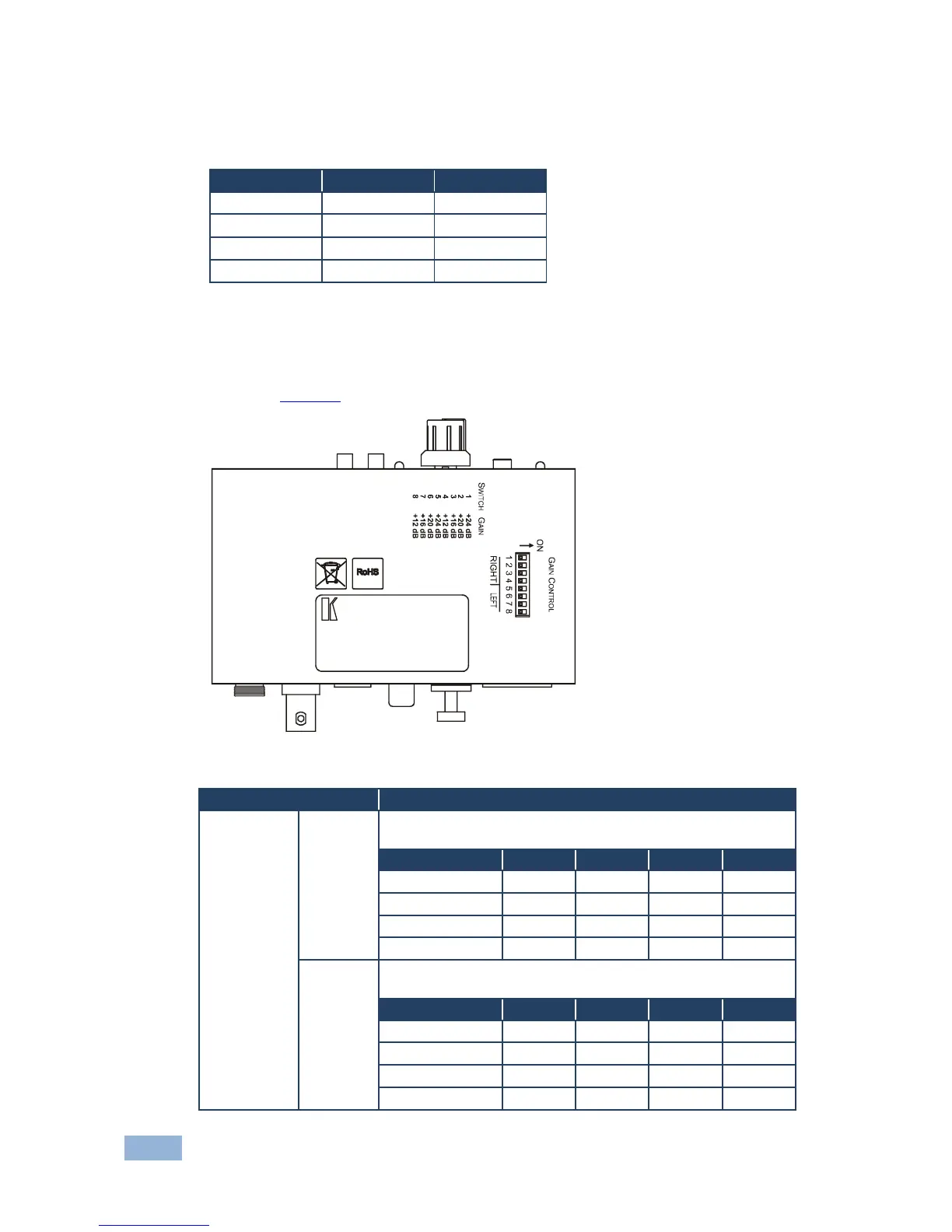
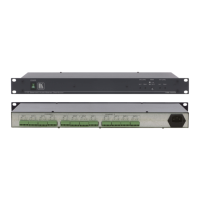
Kramer 6410N - Figure 3: 6410 N Digital to Analog Audio Converter Underside

Kramer 6410N
20 pages
Print Icon
To Next Page IconTo Next Page
To Previous Page IconTo Previous Page
Loading...
8
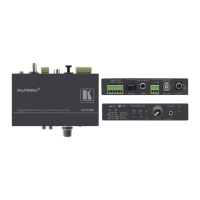
6410N, 6420N - Your Audio Converters
4.1.1 Selecting the Input
To select the input on the 6410N use the following:
Press A
and Press B
to select:
IN
IN
AES/EBU
OUT
IN
AES 75
IN
OUT
S/PDIF
OUT
OUT
OPTICAL
4.1.2 Setting the 6410N Gain Control
Set the gain control using the DIP-switches on the underside of the 6410N as
shown in Figure 3.
Figure 3: 6410N Digital to Analog Audio Converter Underside
Feature
Function
GAIN
CONTROL
DIP-switches
RIGHT
Set the DIP-switches as follows to determine the RIGHT
channel conversion ratio (D to A) (GAIN CONTROL):
Gain Control:
DIP 1
DIP 2
DIP 3
DIP 4
+24dB
ON
OFF
OFF
OFF
+20dB
OFF
ON
OFF
OFF
+16dB
OFF
OFF
ON
OFF
+12dB
OFF
OFF
OFF
ON
LEFT
Set the DIP-switches as follows to determine the LEFT channel
conversion ratio (GAIN CONTROL):
Gain Control:
DIP 5
DIP 6
DIP 7
DIP 8
+24dB
ON
OFF
OFF
OFF
+20dB
OFF
ON
OFF
OFF
+16dB
OFF
OFF
ON
OFF
+12dB
OFF
OFF
OFF
ON

Related product manuals