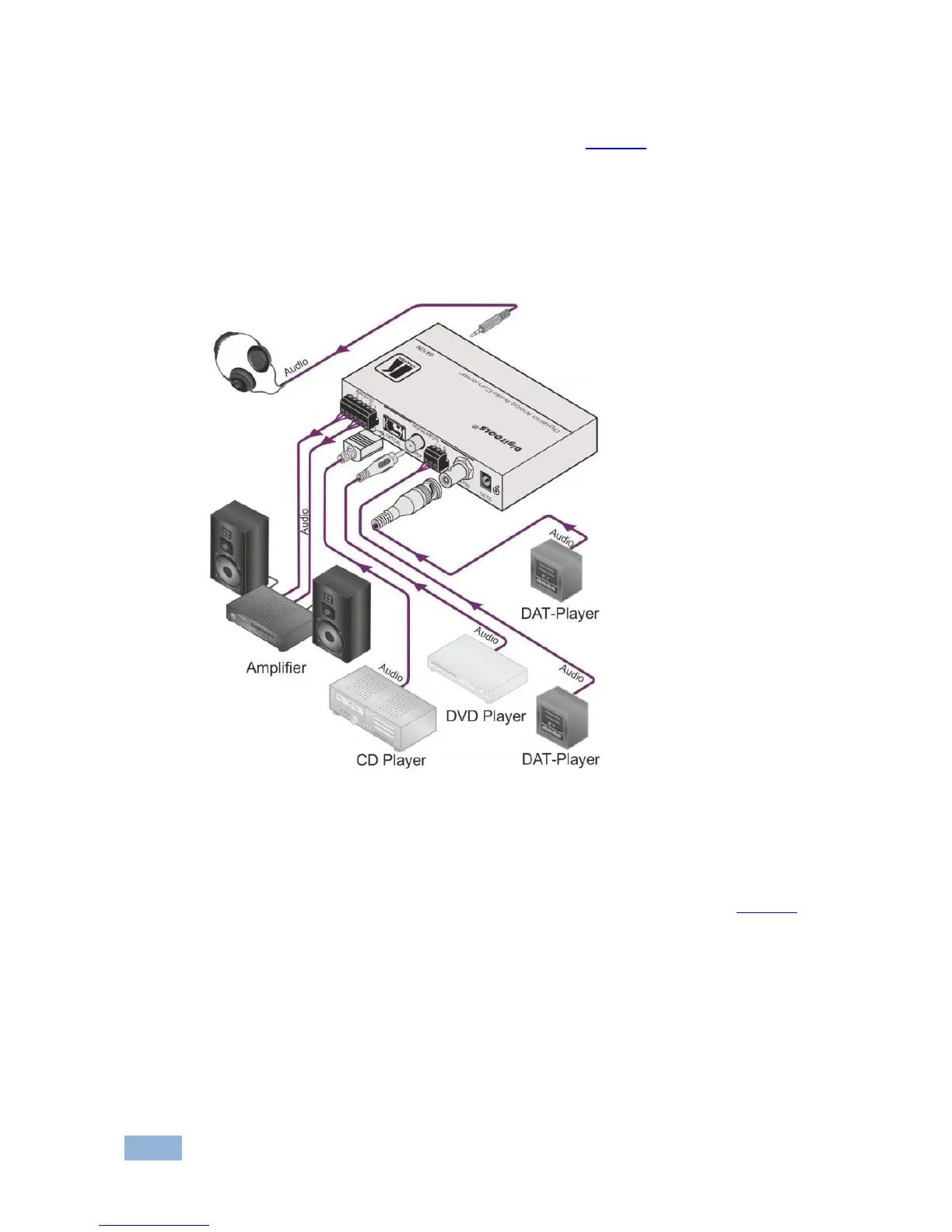
3. Connect the 12V DC power adapter to the power socket and connect the
adapter to the mains electricity (not shown in Figure 6).
4. Set the conversion ratio on the underside of the unit.
It is essential that you choose the correct conversion ratio to prevent clipping, and to
maintain the S/N ratio within the spec limits. The selection of the conversion rate greatly
depends on the type of audio played, and also on the audio equipment that is
connected to the 6410N.
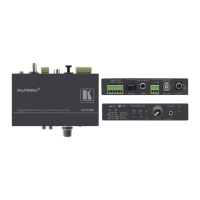
Figure 6: Connecting the 6410N Digital to Analog Audio Converter
5.1.1 Using the INPUT SELECTOR Switches
Set the digital input standard by pushing in and/or releasing one or both of the two
INPUT SELECTOR switches (item 7 (button A) and item 8 (button B), in Figure 2)
on the 6410N Digital to Analog Audio Converter.


 To Next Page