4.2 Connecting the Ethernet Port
The Ethernet connection of the RC-74DL lets you perform all control functions of
the RC-74DL over the Internet using a PC running the Kramer Site-CTRL control
program.
To connect the RC-74DL to a network:
1. Connect the Ethernet port of the RC-74DL to the Ethernet port on a network
hub or network router, via a straight cable with RJ-45 connectors.
2. At the other end, connect the Internet to a PC running Site-CTRL.
3. After connecting the Ethernet port, you have to install and configure it. For
detailed instructions on how to install and configure your Ethernet port, see
the K-Config Software Guide available from our Web site.
4.3 Grounding the RC-74DL
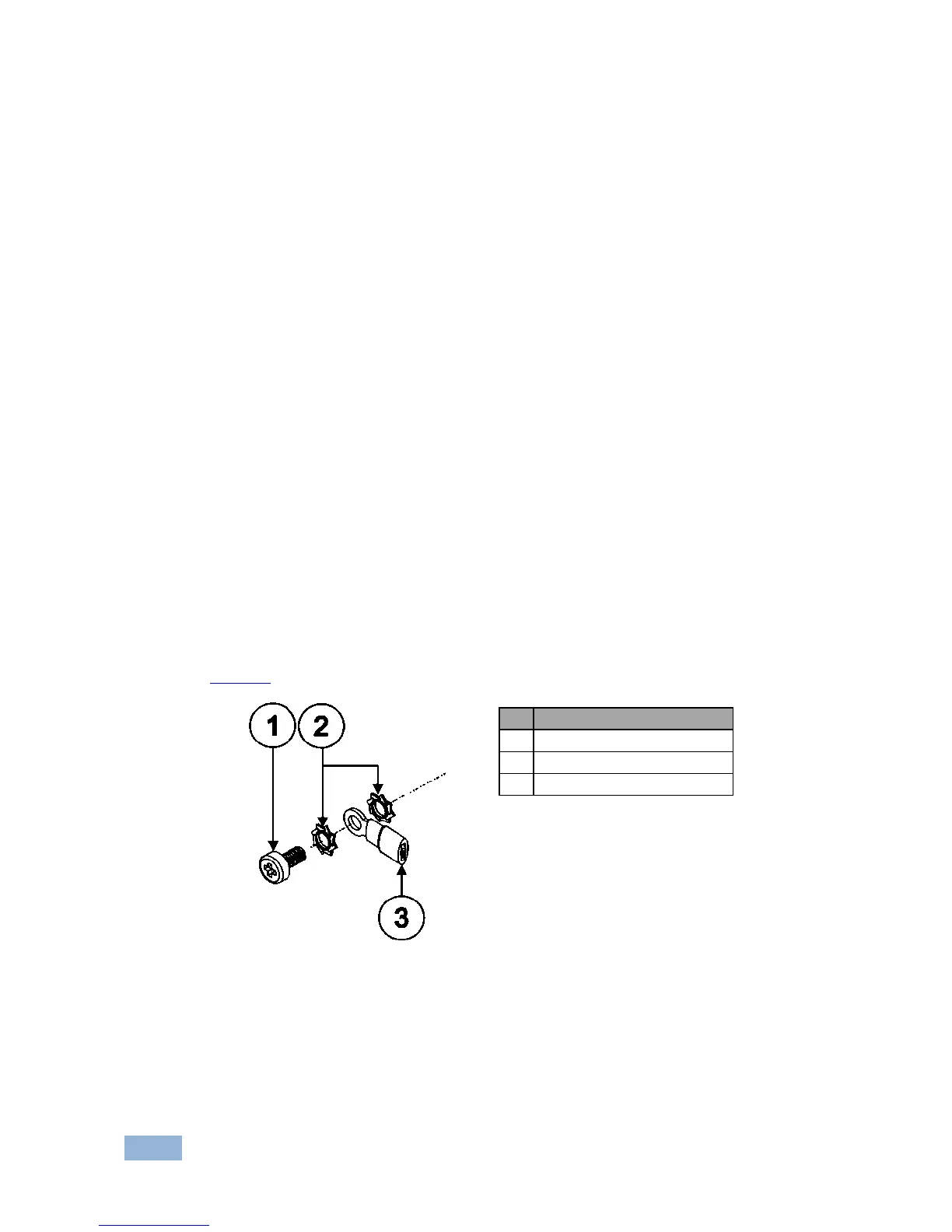
The grounding screw is used to earth the chassis of the unit to the building ground
preventing static electricity from impacting the performance of the unit.
Figure 5 shows the grounding screw components.


 To Next Page