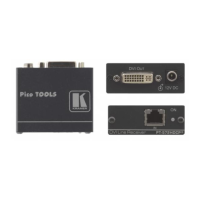
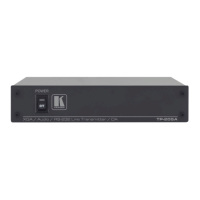
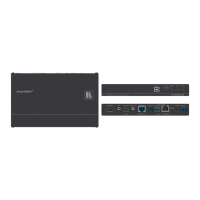
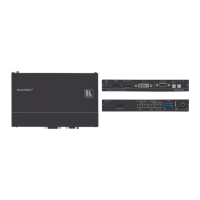
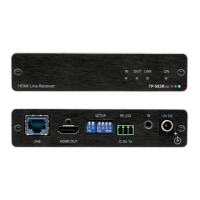
Table 6: VP-5T
1:4 VGA/UXGA Distributor / CAT 5 Transmitter Features
# Feature Function
1 POWER Switch Illuminated switch for turning the unit ON or OFF
2 EQ. Trimmer Adjusts
1
the video EQ. (equalization) compensation
3 INPUT 15-pin HD Connector Connect to the VGA/UXGA source
4 CAT 5 OUT RJ-45 Connector
Connect to
2
the LINE IN RJ-45 connector on the VP-5R CAT 5
Receiver / 1:5 VGA/UXGA Distributor
5 OUTPUT 15-pin HD Connector Connect to the VGA/UXGA acceptor (from 1 to 4)
6 Power Connector with FUSE AC connector enabling power supply to the unit
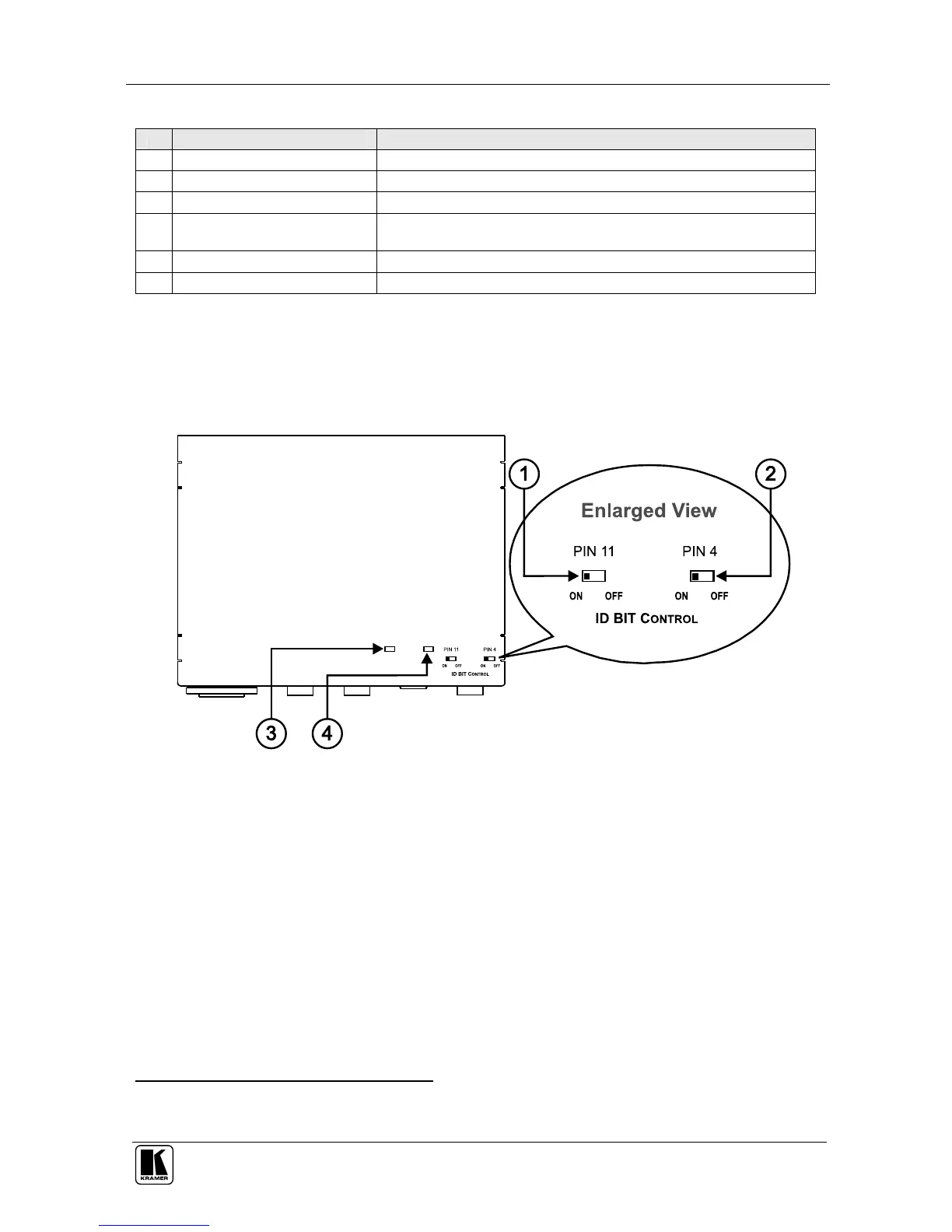
7.2 Your VP-5T/VP5THD (Underside)
Figure 7 and Table 7 define the underside of the VP-5T/VP-5THD
1:4
VGA/UXGA Distributor / CAT 5 Transmitter:
Figure 7: VP-5T/VP-5THD
1:4 VGA/UXGA Distributor / CAT 5 Transmitter (Underside)
1 Insert a screwdriver into the hole and carefully rotate it, to trim the level
2 Using a UTP CAT 5 cable with RJ-45 connectors at both ends (the PINOUT is defined in Table 10 and Figure 13)


 To Next Page