Contents
1
Introduction 1
2
Getting Started 1
2.1
Quick Start 2
3
Overview 4
3.1
About the Power Connect Feature 4
3.2
Shielded Twisted Pair (STP) / Unshielded Twisted Pair (UTP) 5
3.3
Recommendations for Achieving the Best Performance 5
4
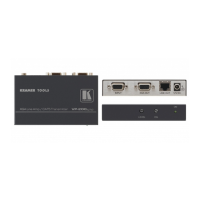
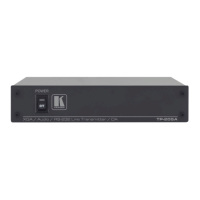
Your VP-200XLT XGA Line Amp / CAT 5 Transmitter 6
5
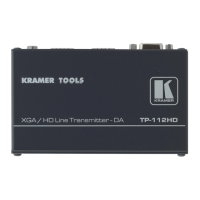
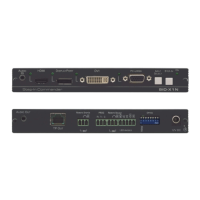
VP-200XLTHD XGA Line Amp / CAT 5 Transmitter 7
6
Your VP-300T 1:2 XGA DA/ CAT 5 Transmitter 9
6.1
Your VP-300T 1:2 XGA DA/ CAT 5 Transmitter (Topside) 9
6.2
Your VP-300T 1:2 XGA DA/ CAT 5 Transmitter (Underside) 10
7
Your VP-5T/VP-5THD 1:4 VGA/UXGA Distributor / CAT 5
Transmitter 11
7.1
Your VP-5T/VP-5THD 1:4 VGA/UXGA Distributor / CAT 5 Transmitter 11
7.2
Your VP-5T/VP5THD (Underside) 13
8
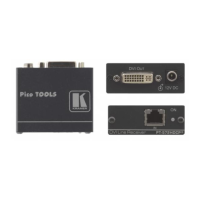
Your VP-5R CAT 5 Receiver / 1:5 VGA/UXGA Distributor 14
8.1
Your VP-5R CAT 5 Receiver / 1:5 VGA/UXGA Distributor 14
8.2
Your VP-5R CAT 5 Receiver / 1:5 VGA/UXGA Distributor (Underside) 15
9
Connecting the VP-200XLT 16
10
Connecting the VP-300T 19
11
Connecting the VP-5T and the VP-5R 21
11.1
Wiring the CAT 5 LINE IN / LINE OUT RJ-45 Connectors 23
12
Technical Specifications 24
Figures
Figure 1: VP-200XLT XGA Line Amp / CAT 5 Transmitter 6
Figure 2: VP-200XLTHD XGA Line Amp / CAT 5 Transmitter 8
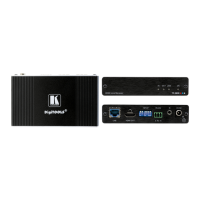
Figure 3: VP-200XLTHD XGA Line Amp / CAT 5 Transmitter 9
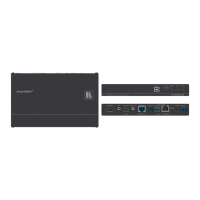
Figure 4: VP-300T 1:2 XGA DA/ CAT 5 Transmitter (Topside) 10
Figure 5: VP-300T 1:2 XGA DA/ CAT 5 Transmitter (Underside) 11
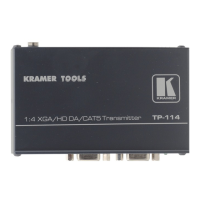
Figure 6: VP-5T/VP-5THD 1:4 VGA/UXGA Distributor / CAT 5 Transmitter 12
Figure 7: VP-5T/VP-5THD 1:4 VGA/UXGA Distributor / CAT 5 Transmitter (Underside)
13
Figure 8: VP-5R CAT 5 Receiver / 1:5 VGA/UXGA Distributor 15
Figure 9: VP-5R CAT 5 Receiver / 1:5 VGA/UXGA Distributor (Underside) 16
Figure 10: Connecting the VP-200XLT 18
Figure 11: Connecting the VP-300T 20


 To Next Page