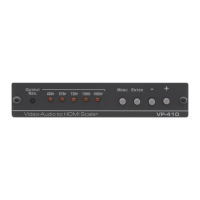
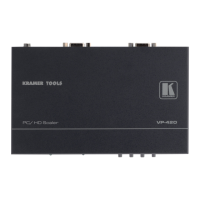
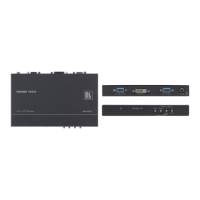
Always switch off the power to each device before connecting it to your
VP-439. After connecting your VP-439, connect its power and then
switch on the power to each device.
To connect the VP-439 as illustrated in the example in Figure 2:
1. Connect an HDMI source (for example, from a Blu-ray player) to the HDMI
IN HDMI connector.
2. Connect a PC graphics and unbalanced stereo audio source (for example,
from a laptop PC) to the PC IN 15-pin HD and 3.5mm mini jack connectors.
3. Connect a composite video and unbalanced stereo audio source (for
example, from a DVD payer) to the CV IN RCA and LEFT/RIGHT RCA
connectors.
4. Connect the HDMI OUTPUT on a DVI-I connector and the LEFT/RIGHT
unbalanced stereo audio on two RCA connectors to an HDMI acceptor (for
example, to a display with speakers).
5. If desired, connect the ETHERNET RJ-45 connector to a control device (for
example, a PC).



 To Next Page