www.kregtool.com
Step-by-Step
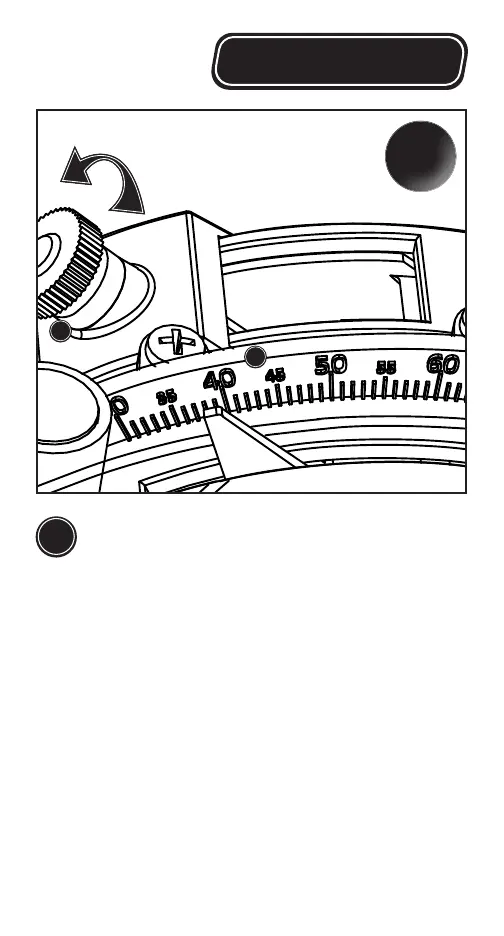
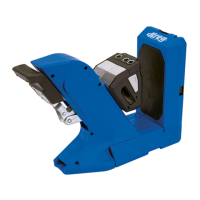
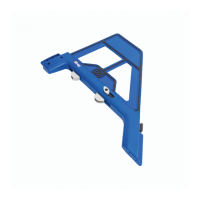
Set your Crown-Pro
™
to match the spring
angle using the adjustment nut on the back.
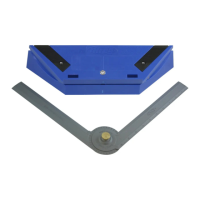
A. Loosen the Plastic Thumb Nut (H) on the bottom
of the Crown-Pro
™
slightly so the angle can be set
on the Spring Scale (K). Set the scale to match
your spring angle and re-tighten the nut.
B. Although there are only 3 common spring
angles found on most home center moldings,
your Crown-Pro
™
can be set to match any
spring angle between 30° and 65°.
2
38°
K
H




 To Next Page