6 Infrared Sensor
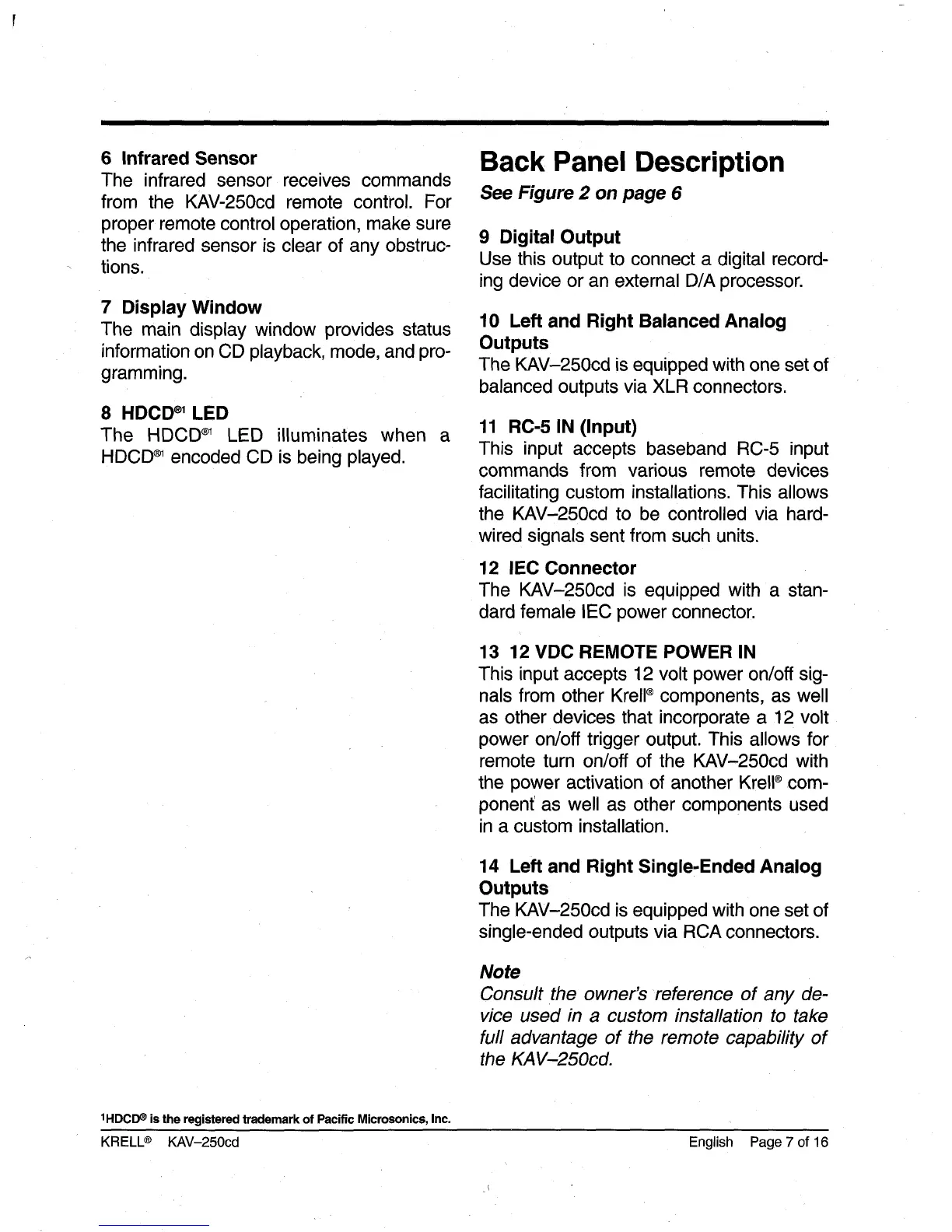
The infrared sensor receives commands
from the KAV-250cd remote control. For
proper remote control operation, make sure
the infrared sensor is clear of any obstruc-
tions.
7 Display Window
The main display window provides status
information on CD playback, mode, and pro-
gramming.
8 HDCD
~
LED
The HDCD
®1
LED illuminates when
HDCD
~
encoded CD is being played.
a
Back Panel Description
See Figure 2 on page 6
9 Digital Output
Use this output to connect a digital record-
ing device or an external D/A processor.
10 Left and Right Balanced Analog
Outputs
The KAV-250cd is equipped with one set of
balanced outputs via XLR connectors.
11 RC-5 IN (Input)
This input accepts baseband RC-5 input
commands from various remote devices
facilitating custom installations. This allows
the KAV-250cd to be controlled via hard-
wired signals sent from such units.
12 lEO Connector
The KAV-250cd is equipped with a stan-
dard female IEC power connector.
13 12 VDC REMOTE POWER IN
This input accepts 12 volt power on/off sig-
nals from other Krell
®
components, as well
as other devices that incorporate a 12 volt
power on/off trigger output. This allows for
remote turn on/off of the KAV-250cd with
the power activation of another Krell
®
com-
ponent as well as other components used
in a custom installation.
14 Left and Right Single-Ended Analog
Outputs
The KAV-250cd is equipped with one set of
single-ended outputs via RCA connectors.
Note
Consult the owner’s reference of any de-
vice used in a custom installation to take
full advantage of the remote capability of
the KAV-250cd.
1HDCD~ is the registered trademark of Pacific Microsonics, Inc.
KRELL
®
KAV-250cd English Page 7 of 16



 To Next Page