On the "G" display the "STAND-BY" message will be off.
The button “A” will light in white for a few seconds, while loading the software. After
loading is complete, the button will light in red.
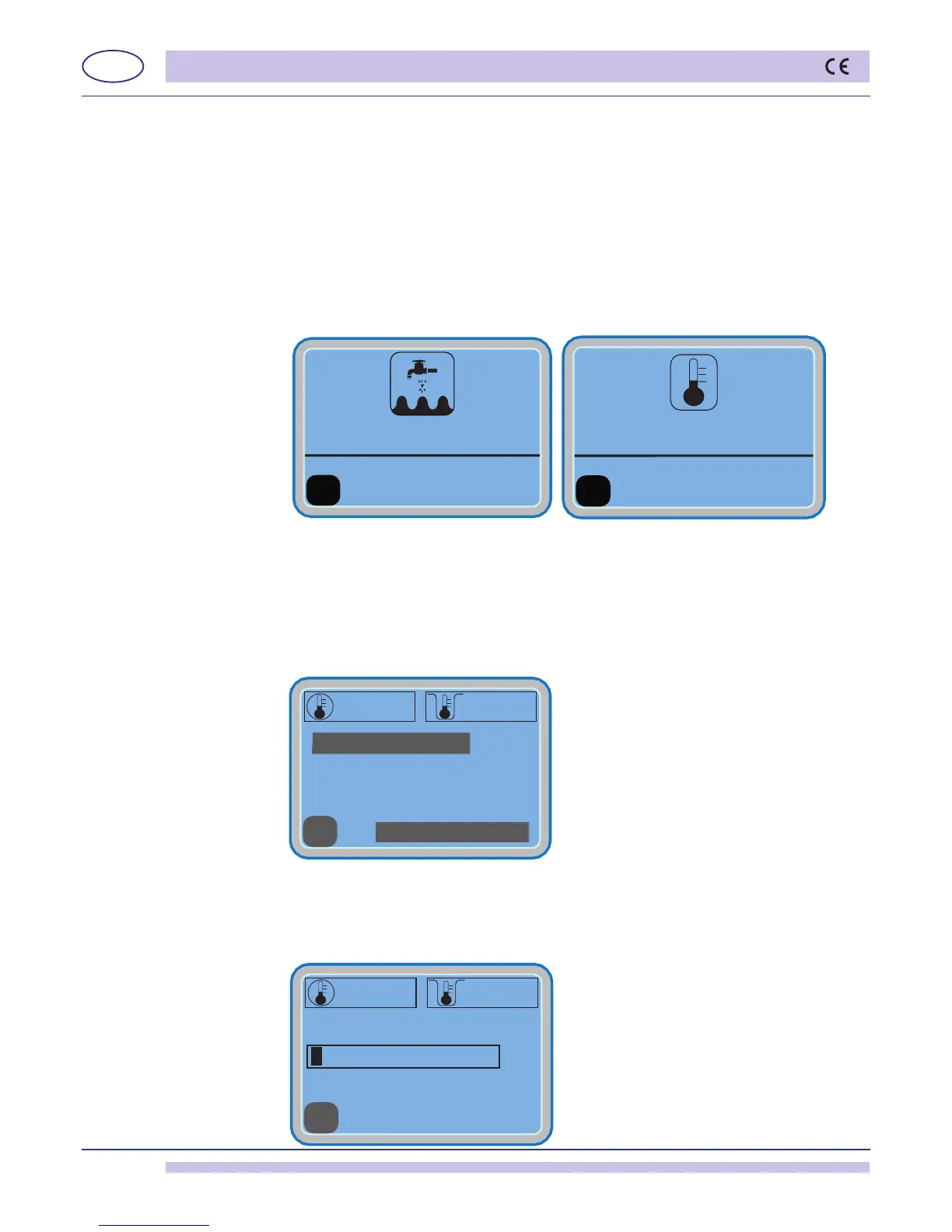
Atthismoment,thewaterllingstarts.Thedisplay"G" will read "FILLING WATER".
Checktheproperpositioningoftheoverowpipe.
Oncethellingisdone,theheatingphasewillstartOnthe“G”displaywillappearthe
reading “HEATING”..”. The reading will stay until both boiler and wash-tank will reach
the set temperatures. During this process, the machine will not allow any cycle selection
or start
Afterthelling/heatingiscompleted,thekey“A”andthedisplay“G”willturngreen.
Ifthemachineisinstandardconguration,withhotwaterin-feed(50°C),withnoextra
power, the “A” button will light in green after some 20 min.
2.2.2 Operation
• Inserttheracklledwithobjectstowash.
• Selectthedesiredwashprogrambythekeys“C” and “D” or by keeping pressed the
“A”key.
Release the key when the selected program is selected.
To start the selected cycle press the “A” key.
The“A”keyandthe“G” display will turn blue.
• All wash-time long the display will read the wash-tank temperature and the boiler
HEATING
temperature.
Below the temperatures indications line-bar is displayed to show the progression of the
wash-cycle.
At the end of the washing cycle, a hot rinse cycle will take place
Ablue/greenashingonthebutton"A" will indicate the "CYCLE ENDED".
boiler TANK
BOILER TANK


 To Next Page