Operation
35
Pos: 16.8 /Überschri ften/Überschri ften 2/P-T/SSchutze in Ar beitsstellung bringe n @ 35\mod_1257499551281_ 78.docx @ 329310 @ 2 @ 1
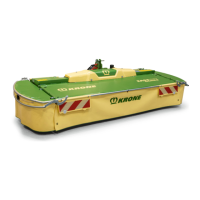
7.2 Moving the guards into the working position
Pos: 16.9 /BA/Bedienung / EasyCut/Schutze/S chutze in Arbeitsst ellung bringen EC28/32 @ 10\ mod_1221736185786_ 78.docx @ 136703 @ @ 1
EC-0-013
Fig. 19:
Move the guard covers (1) from the right and left-hand sides to the working position each time
before using the machine.
Pos: 16.10 /Layout Module /---------------Seitenumbruch---------------- @ 0\mod_1196175311226_0. docx @ 4165 @ @ 1










 To Next Page
